PocketQuery Logo
PocketQuery
3.9/4
Your databases are full of answers. Your team can't find them. PocketQuery changes that.
Connect any SQL database or REST API to Confluence and display live data as tables, charts, and dashboards — no coding required for end users.
We empower 3.3+ million users worldwide
Features

What PocketQuery does

Connect any source

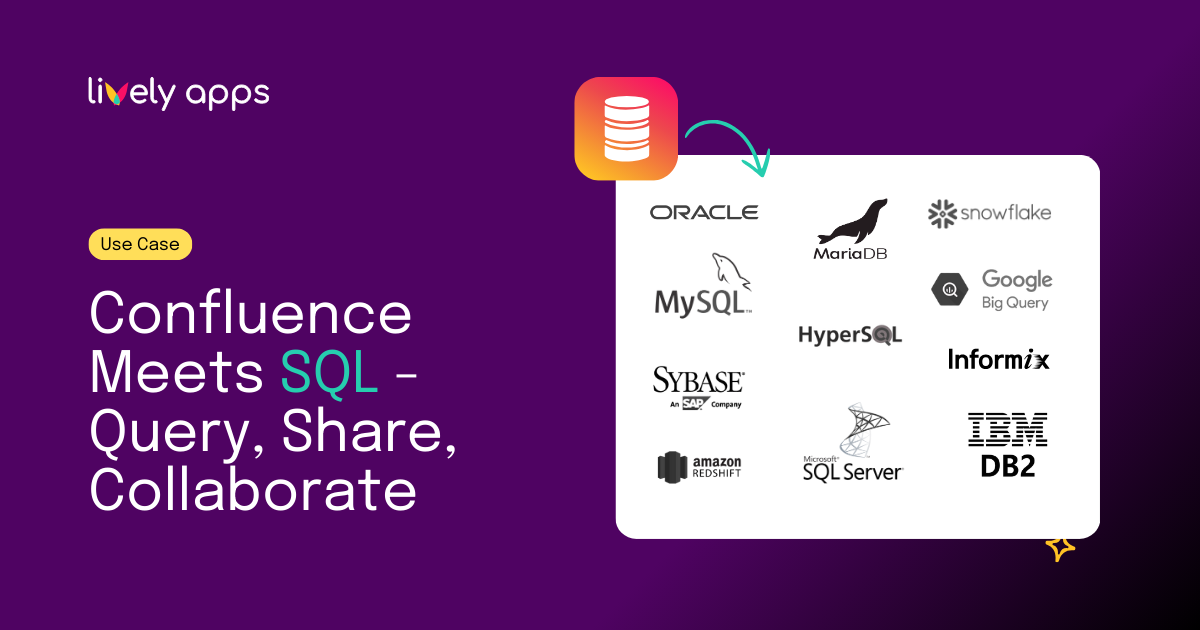
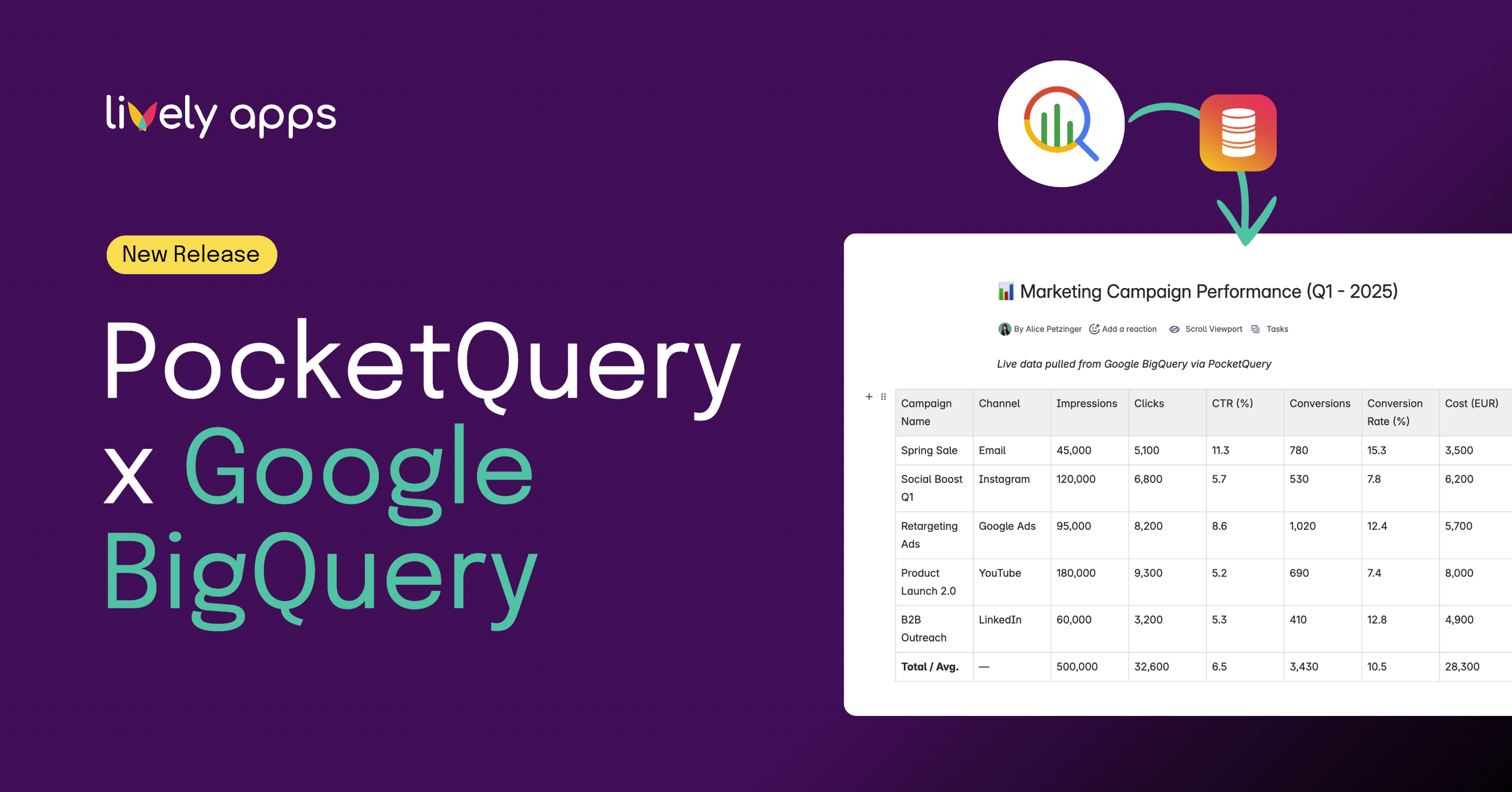
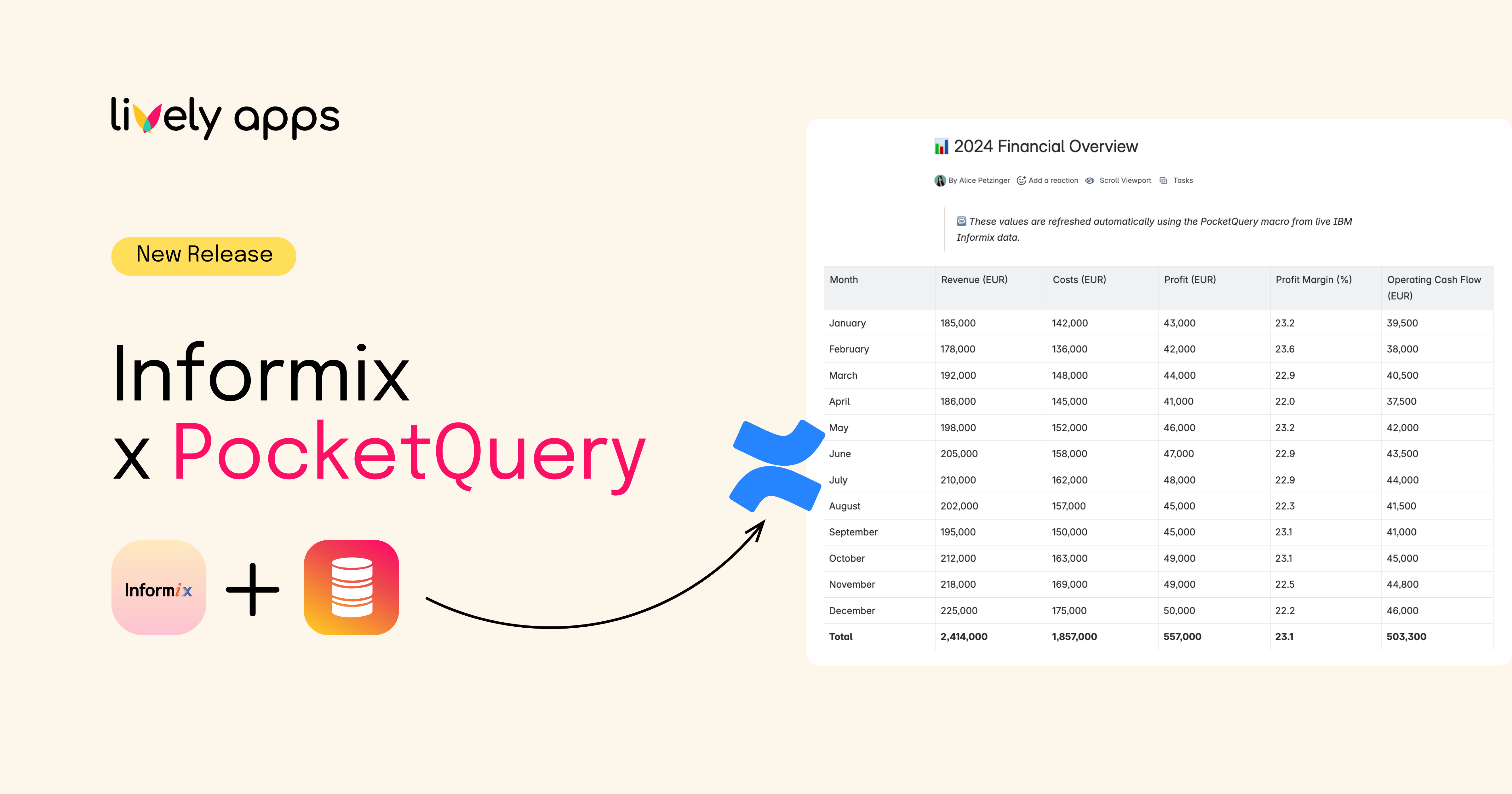
SQL databases (PostgreSQL, MySQL, Oracle, IBM, BigQuery, Snowflake, SAP), REST APIs like Salesforce, HubSpot, and many more. One app, every datasource.

Live data in Confluence

Display query results as interactive tables, bar charts, pie charts, or line graphs. Always live, never stale.

Admin controls access

Admins write queries and manage connections. End users see results without database credentials or SQL knowledge.

Custom templates

Transform raw data into styled Confluence content. Build KPI dashboards and status boards.

Secure by design

Built on Atlassian Forge. Data is never saved on any third-party servers.

Dynamic parameters

Let users filter data with dynamic query parameters without changing the underlying SQL. Self-service reporting.
Who it's for

Built for these teams

Business Analysts
Embed live KPI dashboards from databases or BI tools into Confluence requirements pages to support data-driven analysis.
DevOps & Engineering
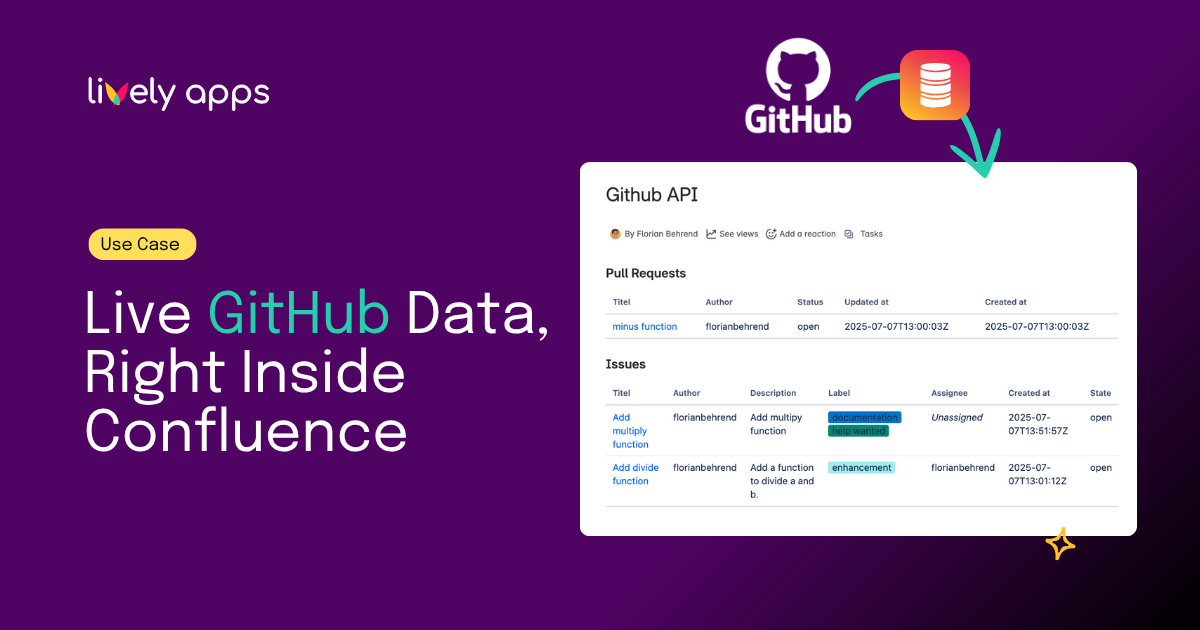
Pull deployment metrics, monitoring data, or build status from APIs and display them in Confluence runbooks for real-time operational visibility.
Project Managers
Automatically show project progress, sprint metrics, or Jira data on status pages without manual updates.
Sales
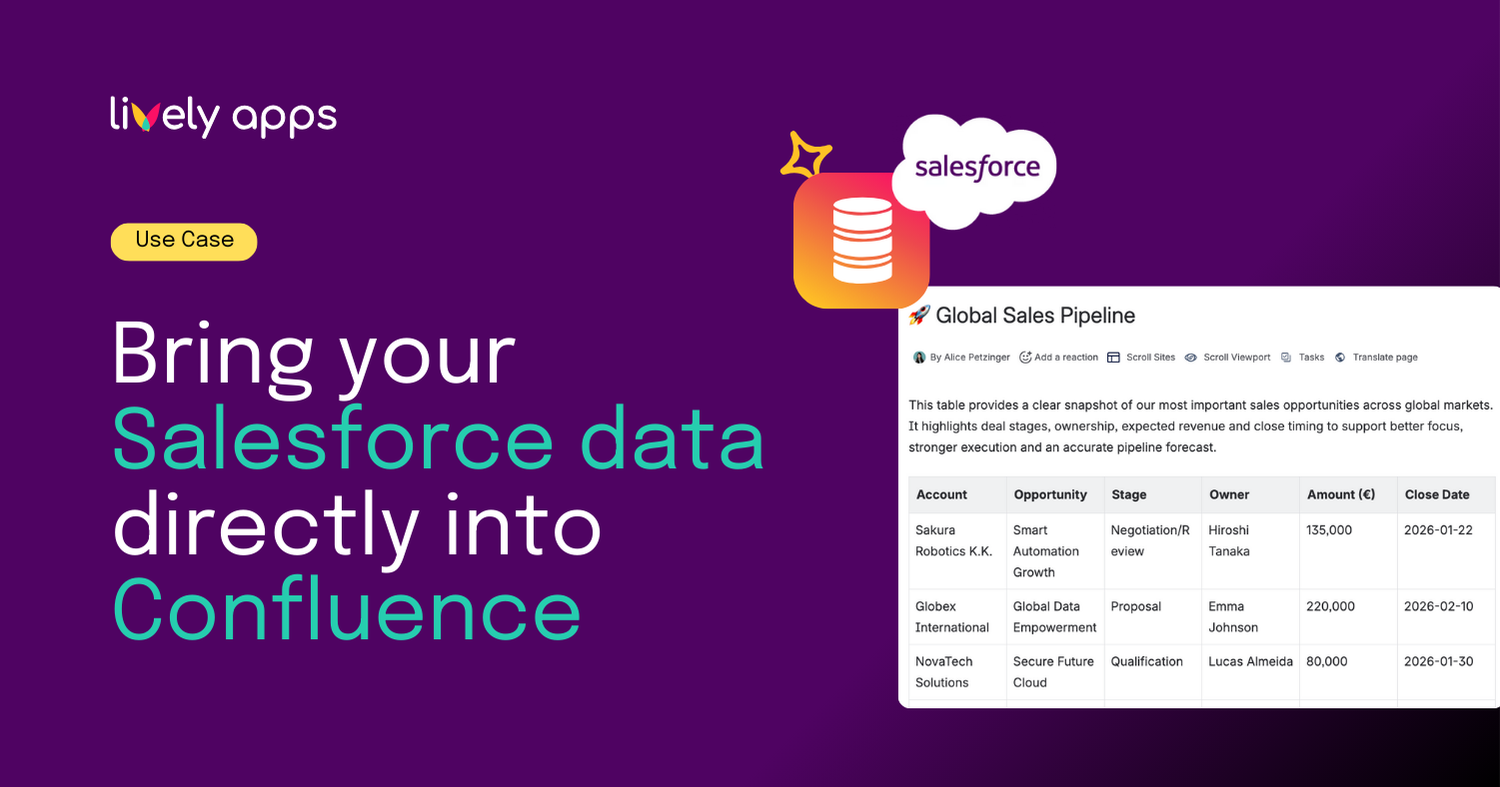
Display live CRM pipeline data (e.g., opportunities, leads, revenue forecasts) directly in Confluence sales dashboards.
Marketing
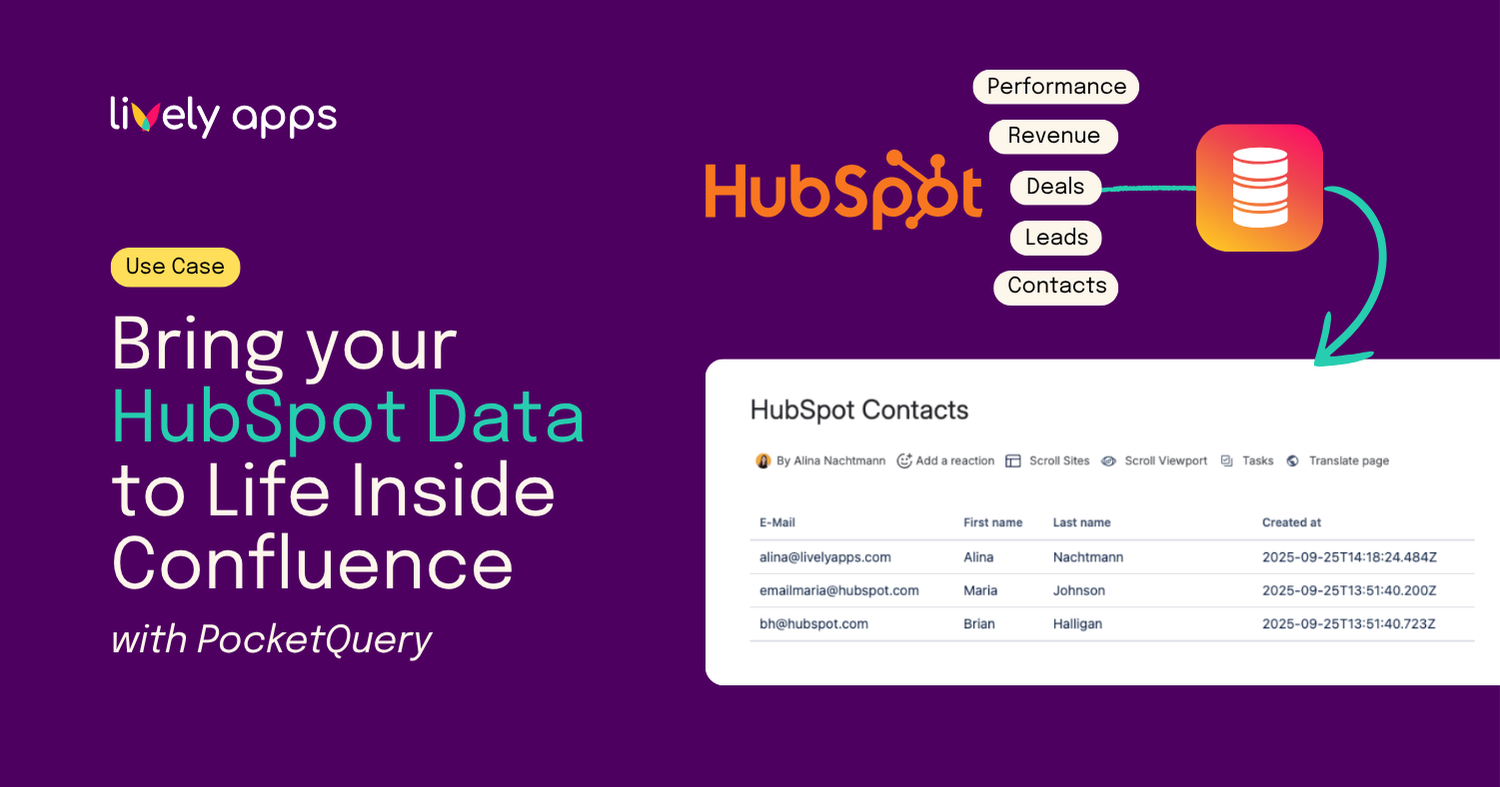
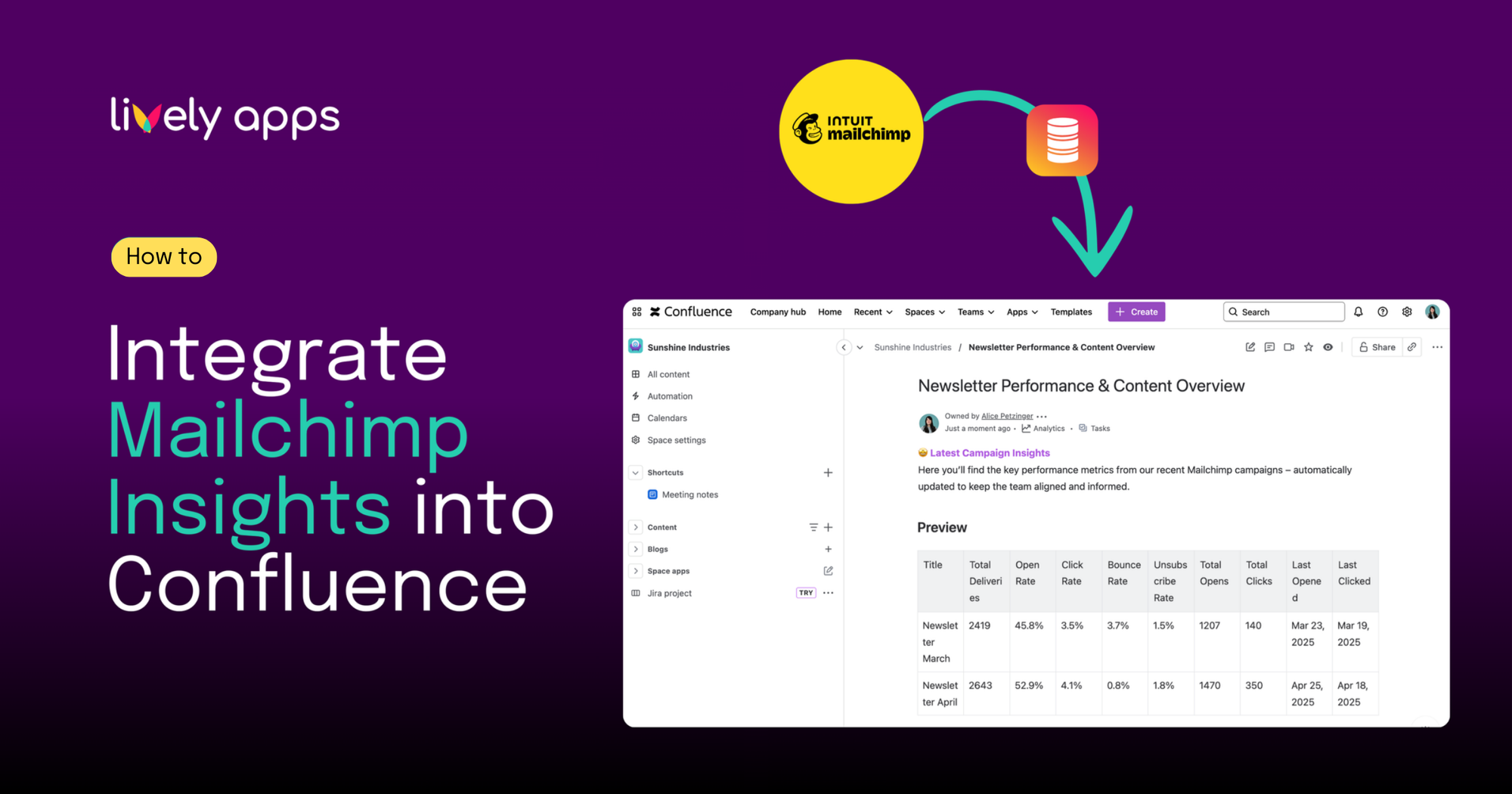
Integrate campaign metrics from marketing tools like HubSpot or Mailchimp and visualize performance dashboards on team wiki pages.
Finance
Embed financial KPIs or budget tracking from ERP systems into reporting spaces.
PocketQuery for Confluence offers virtually endless possibilities for teams of all kinds — by connecting live data from databases and APIs, it enables every department to build dynamic dashboards, automate reporting, and turn Confluence into a real-time decision hub.
How it works

The gap between your data and your team

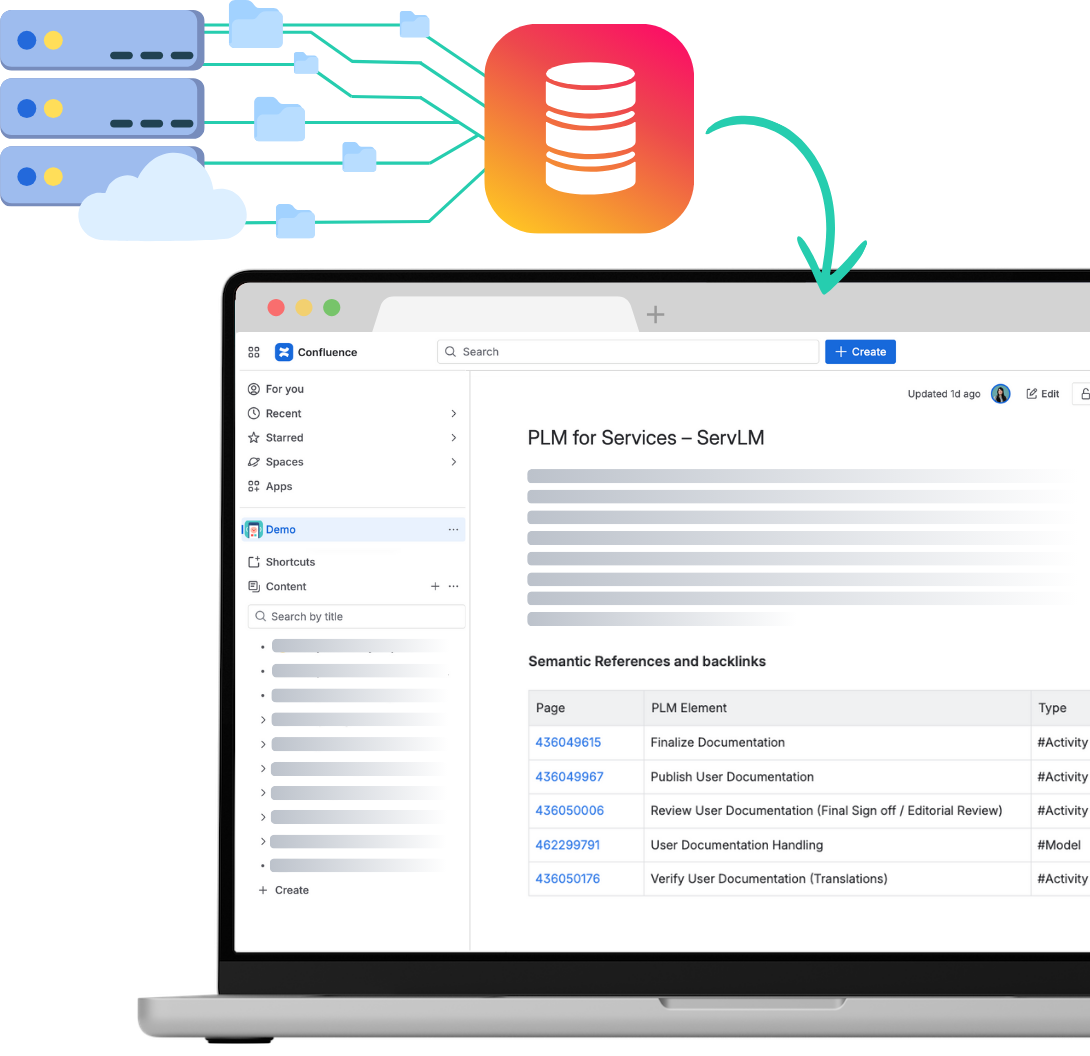
Your team needs data from SQL databases, REST APIs, and cloud services but they can't write queries. They ask developers, wait for reports, or work with outdated spreadsheets.

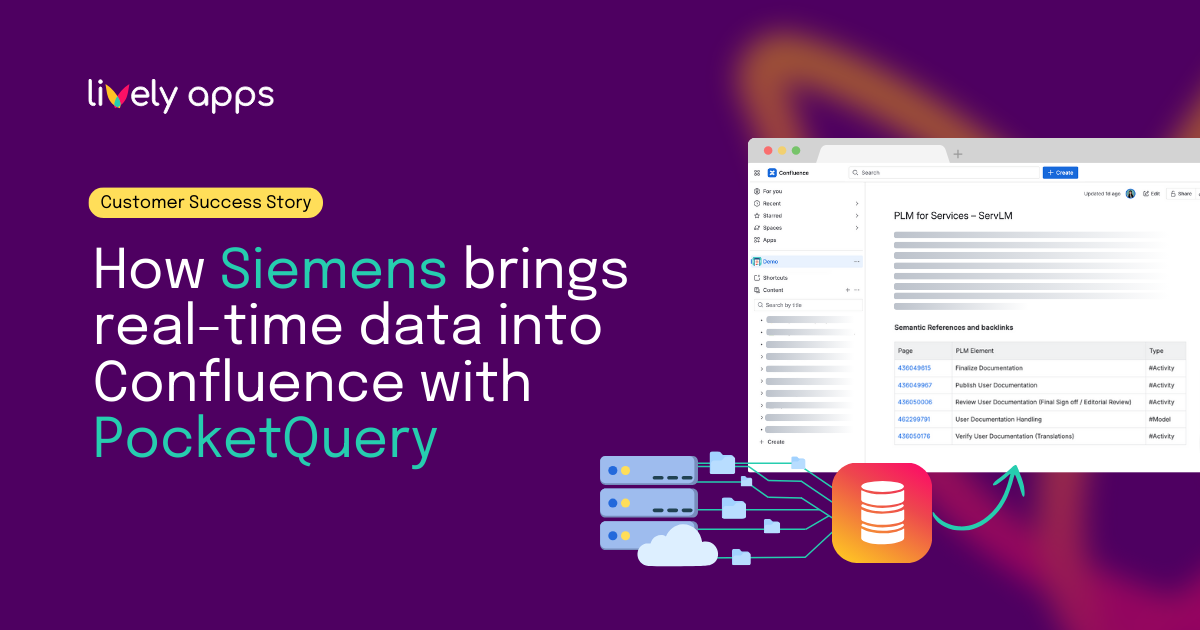
PocketQuery bridges that gap. Admins create queries once, then anyone in Confluence can view live, always-current data as tables, charts, or custom templates.
Up and running in 3 steps

Connect

Admins add the database or REST API connection(s) in the PocketQuery admin panel.

Query

Admins write SQL queries and configure REST endpoints. They can also add dynamic parameters for user-driven filtering.

Visualize

Users can insert the PocketQuery macro in any Confluence page to display the data results as tables, charts or custom template display.

Built with Forge

Atlassian Silver Marketplace Partner Badge

Built with Forge

Your data flows directly from your database to Confluence. No external servers, no external data storage.
Use cases

How teams are using PocketQuery

FAQ

Frequently asked questions

What problem does PocketQuery solve?
It eliminates manual data copying into Confluence by embedding dynamic, automatically updated data directly. Data from external datasources can be displayed as tables, charts and with custom templates.
What types of data sources can PocketQuery connect to?
PocketQuery supports SQL databases (e.g., PostgreSQL, MySQL, SQL Server, Oracle, Snowflage) and REST APIs (e.g. Salesforce, HubSpot, Mailchimp, SAP).
Where is PocketQuery used?
It is used inside Confluence pages to build dashboards, tables, reports, and dynamic documentation.
Does PocketQuery store data?
No — it queries data sources in real time (or via caching) and renders the results inside Confluence.
Can PocketQuery integrate with multiple systems?
Yes — multiple data sources can be configured and used across Confluence pages. One app for all datasources.

Who typically uses PocketQuery?
Business analysts, engineers, project managers, product teams, sales, marketing, and leadership teams.
What can users build with PocketQuery?
Users can build live dashboards, status pages, operational reports, KPI boards, and data-driven documentation.
How does PocketQuery display data?
It renders query results as tables, and these can be further formatted or visualized using Confluence macros.
Can PocketQuery use parameters?
Yes — queries can include parameters, allowing users to filter results dynamically based on their input.
Is PocketQuery real-time?
Yes — it can fetch live data on page load or use configurable caching for performance.
Is PocketQuery only for technical users?
No — admins configure data sources, but non-technical users can reuse queries and build dashboards.
What makes PocketQuery different from BI tools?
PocketQuery embeds live data directly into documentation, rather than requiring users to switch to separate reporting tools.
Can PocketQuery be used for automation?
Yes — dynamic queries and parameters enable automated reporting and self-updating pages.
What is the main value proposition of PocketQuery?
PocketQuery turns Confluence into a live data hub by connecting documentation with real-time business and technical data.
Try PocketQuery now

Ready to bring your data into Confluence?

Join 500+ companies using PocketQuery for live database reporting.