Hey all,
2026 is off to a strong start.
So far, it’s been all about customer impact, better control over data in Confluence, and reconnecting with the community.
Here’s a quick update 👇
Customer story: Siemens x PocketQuery
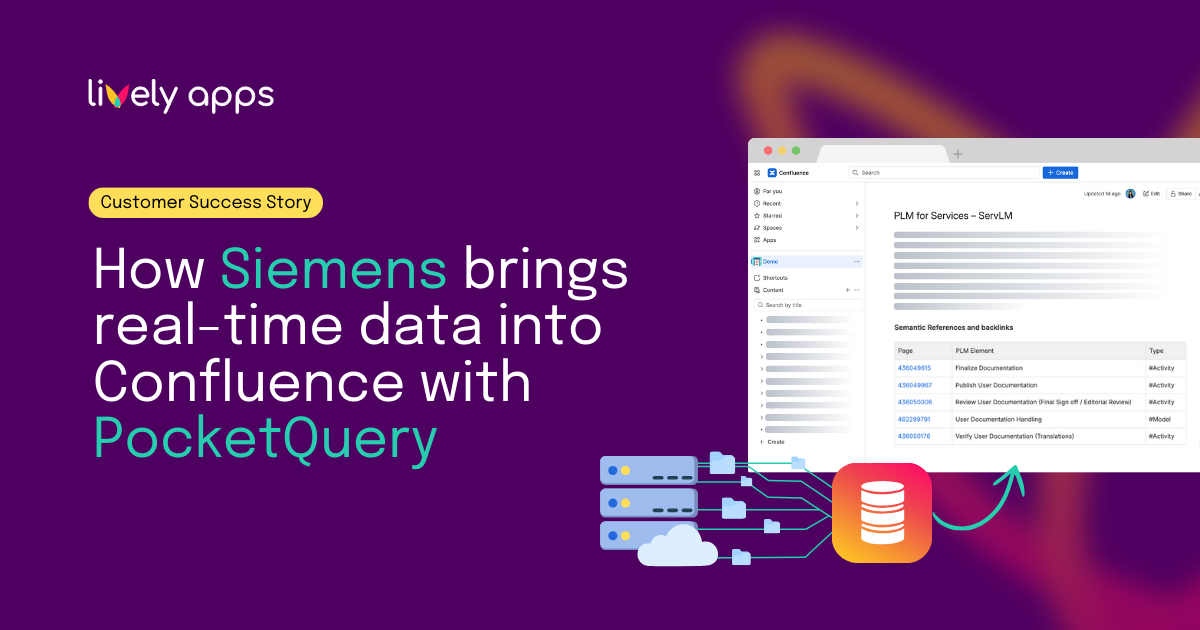
Siemens uses Confluence as a central knowledge hub - but critical project data lives across multiple systems and changes constantly.
With PocketQuery, Siemens pulls live project and process data via APIs directly into Confluence pages and dashboards.
No manual updates. No custom development. Just always up-to-date, AI-ready knowledge where teams already work.
The result:
A shift from static documentation to a connected, scalable, AI-ready knowledge system.
👉 Read the full Siemens customer story
✨ Query Usage now available in PocketQuery Cloud
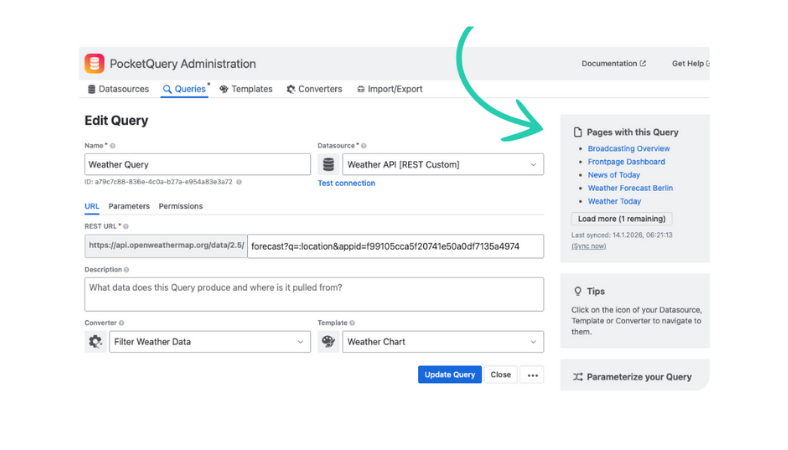
We’re starting the year with an update that brings more clarity to working with data in Confluence.
You can now see exactly where a PocketQuery query is used, directly inside the query editor. A new sidebar lists all related pages, with quick links to jump straight to them.
Why this matters:
- Clear visibility into query usage
- Faster navigation between related pages
- Safer updates without breaking existing content
We also simplified the query preview to make editing and validation more intuitive.
👉 Learn more about the new feature
✨ Your data, your rules - with Cache / Snapshot Mode
We’ve released another update that gives teams more control over how data behaves in Confluence.
Per macro, you can now choose how results are handled, whether they come from SQL databases or REST APIs:
🔵 Live - always up to date
🟣 Cached - stored and refreshed manually
🟡 Snapshot - fixed at a specific point in time
This improves page performance, avoids unnecessary API calls or rate limits, and keeps content predictable and stable.
Compared to the previous snapshot-only option, this adds flexibility without changing how you already work in Confluence.
See you at Atlas Camp 2026 🇳🇱
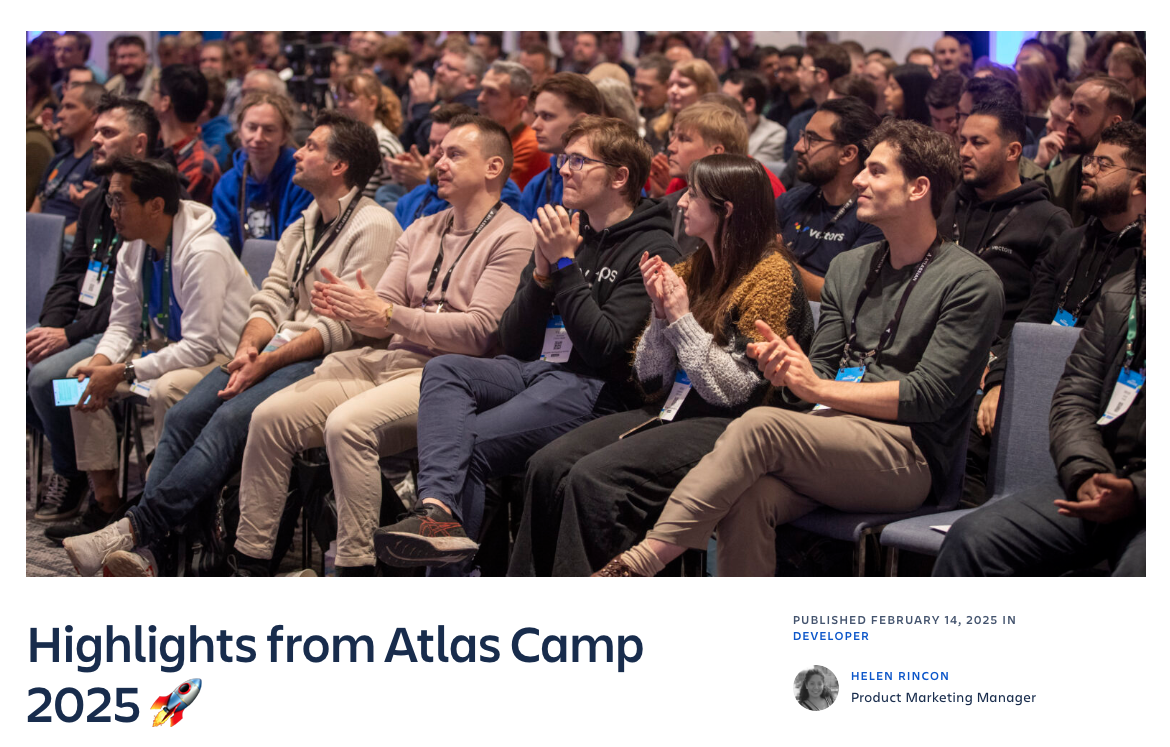
We’re excited to share that we’ll be attending Atlas Camp 2026 in Amsterdam 🇳🇱
From 9-13 February, we’ll be there all week exploring Forge, Rovo, AI, and the latest Atlassian platform updates.
We’re looking forward to hands-on sessions and connecting with fellow app builders and partners.
If you’re attending, let us know 👋
Thanks for following along. More updates coming soon.
Best,
Alice from Lively Apps


.png)