Hi there,
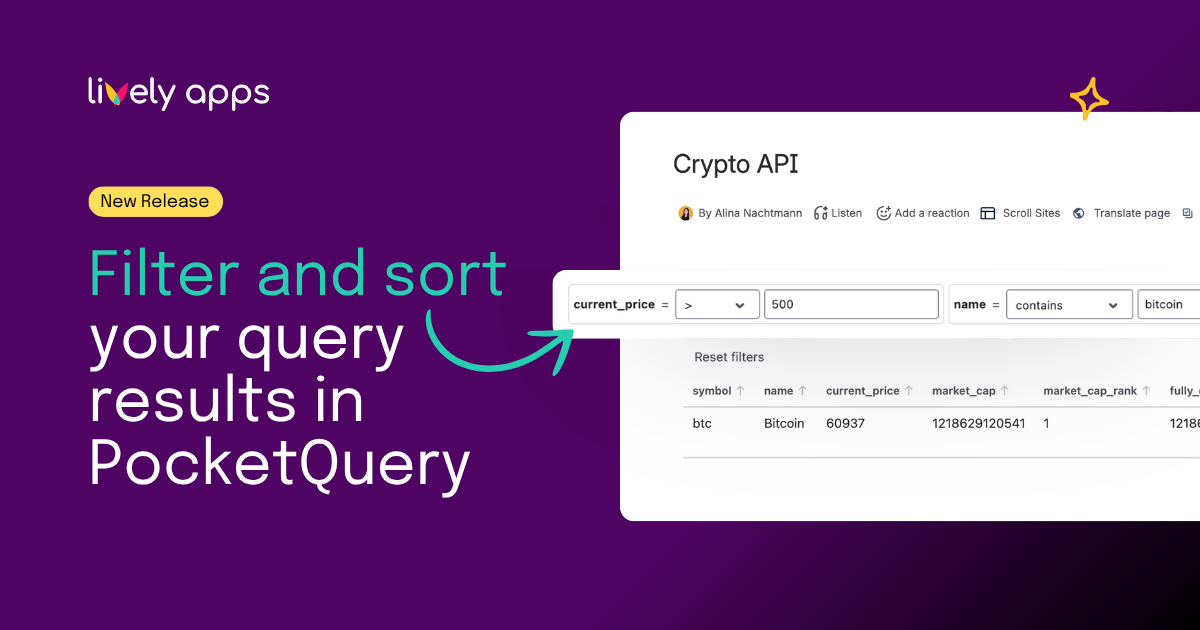
PocketQuery brings external data from SQL databases and REST APIs directly into Confluence pages.
👉 Learn more about PocketQuery
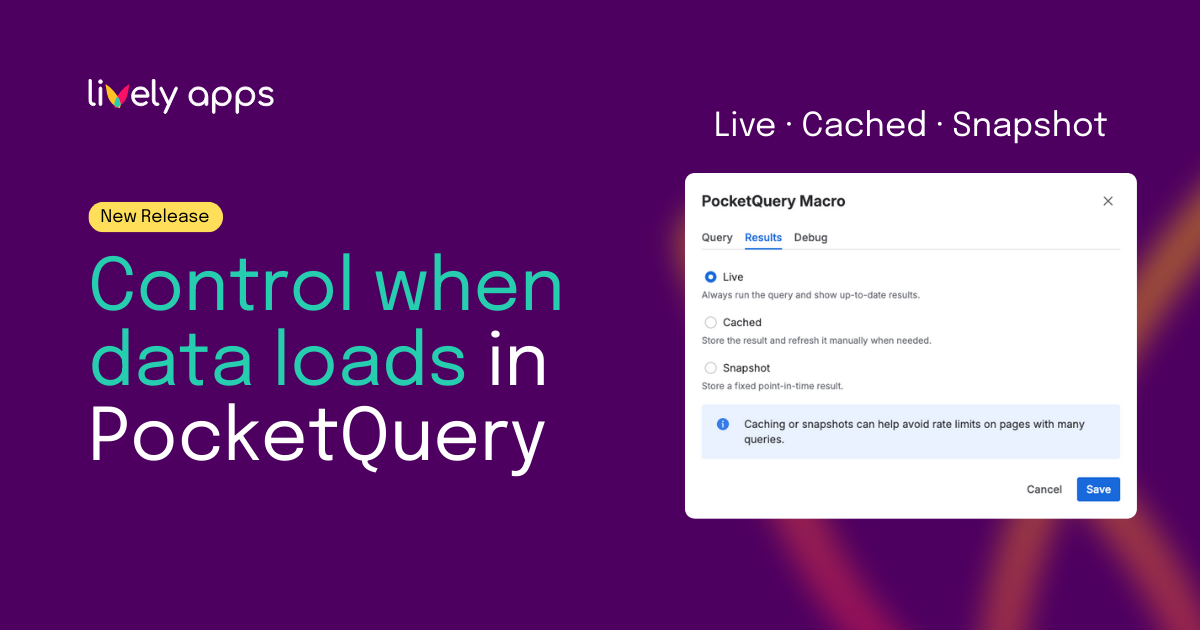
With a new option in macro settings, teams can now control how query results behave on the page - choosing between live updates, cached data, or fixed snapshots.
The key question is not just where data comes from, but when and how it should change.
One macro, different behaviors
Every PocketQuery macro on a Confluence page displays query results. But not every page needs data to behave the same way.
Some pages need data that is always up to date. Others should only change when updated manually. And some pages rely on stable, fixed results as a reference.
That is why PocketQuery macros support three result modes:
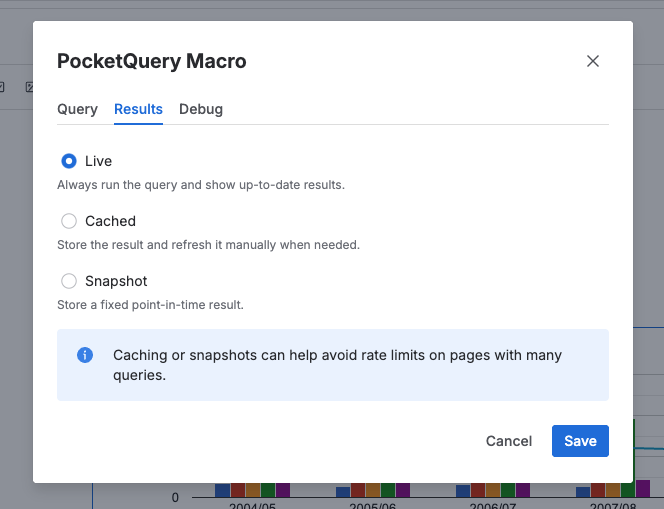
Live mode - always run the query and show up-to-date results
In Live mode, the query runs every time the page loads.
This is ideal when:
- Data changes frequently
- Up-to-date data is critical
- Teams need real-time visibility
Live mode is often used for operational dashboards, status pages, and live monitoring views.
The trade-off is that queries run often, which can impact performance or API limits if not used carefully.
Cached mode - store the result and refresh it manually when needed
Cached mode stores query results and displays them without running the query automatically on every page view. Data can be updated manually using the Refresh button in the macro.
Cached mode is useful when:
- Data does not need to update on every page view
- Queries should not run automatically
- Teams want controlled updates without fixing data permanently
Cached mode reduces query load while still allowing teams to update results when needed.
Snapshot mode - store a fixed point-in-time result
Snapshot mode freezes the query result at a specific point in time.
The query runs once and the result is stored.
Snapshot mode is ideal when:
- Data should not change during reviews or meetings
- Reports need to stay consistent
- APIs have strict rate limits
- Historical or reference data is displayed
Think of Snapshot mode as taking a picture of your data. The picture is accurate at the moment it is taken, but it stays unchanged until you take a new one.
Choosing the right mode per page
PocketQuery lets you choose how query results behave per macro and per page. The same query can be live, cached, or fixed as a snapshot depending on the use case.
This flexibility helps teams build Confluence pages that are reliable, predictable, and suited to real-world workflows - without complex configuration or extra steps.
Get started with result modes in PocketQuery
Result modes are available in PocketQuery for Confluence Cloud today.
If you already use PocketQuery, you can start choosing the right mode for each macro right away. If you are new to PocketQuery, this is a great example of how external data and documentation can work together in a practical, controlled way.
👉 Learn more in the documentation.
Questions or feedback?
If you are unsure which mode fits your use case, or if you want to explore how PocketQuery macros can support your workflows, feel free to reach out. Many features in PocketQuery are shaped directly by customer feedback, and we are always happy to help.




.png)