Smarter parameters in PocketQuery
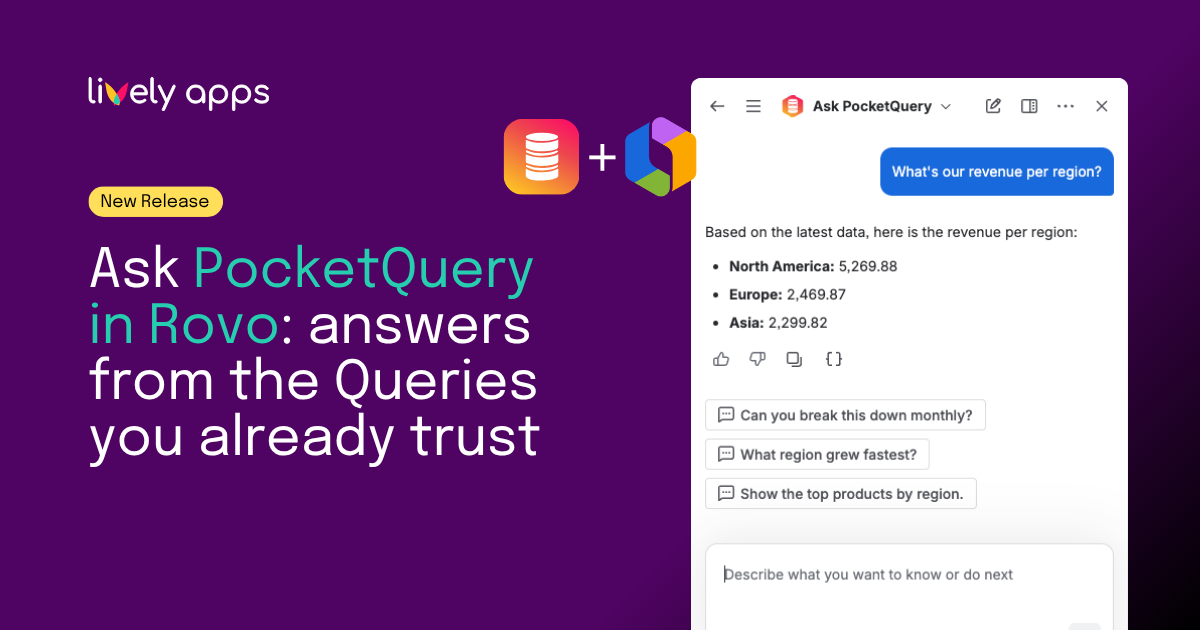
PocketQuery brings SQL and REST data into Confluence. Parameters are how you make that data flexible: date ranges, teams, regions, statuses, and more.
We are shipping two complementary improvements, both about how parameters behave for authors and readers:
What shipped
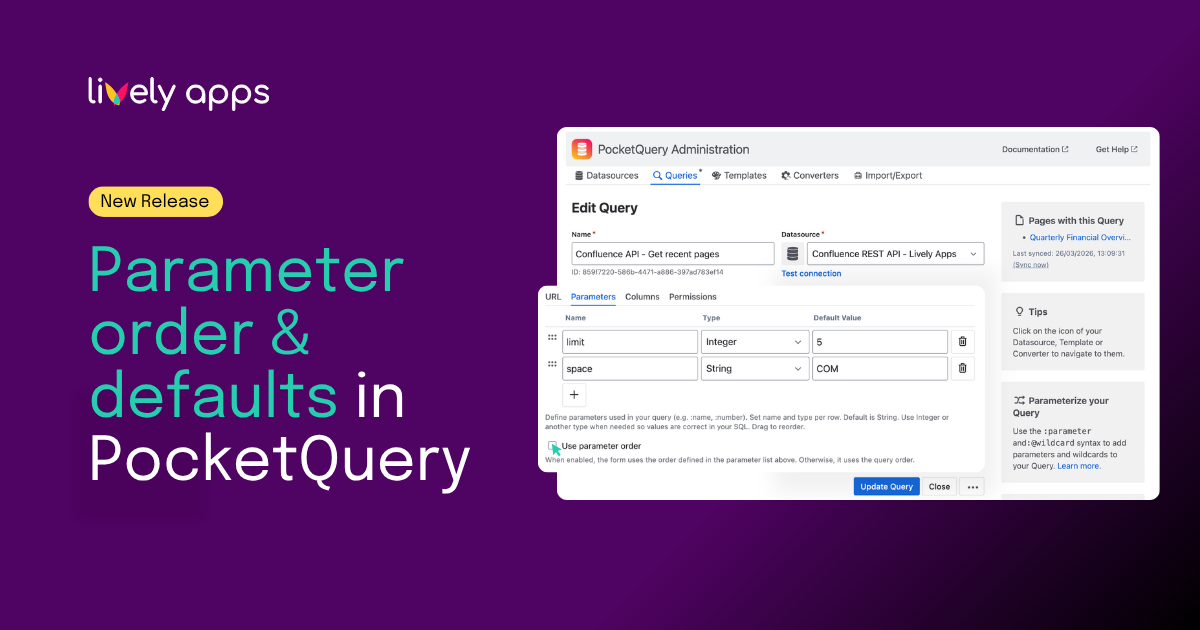
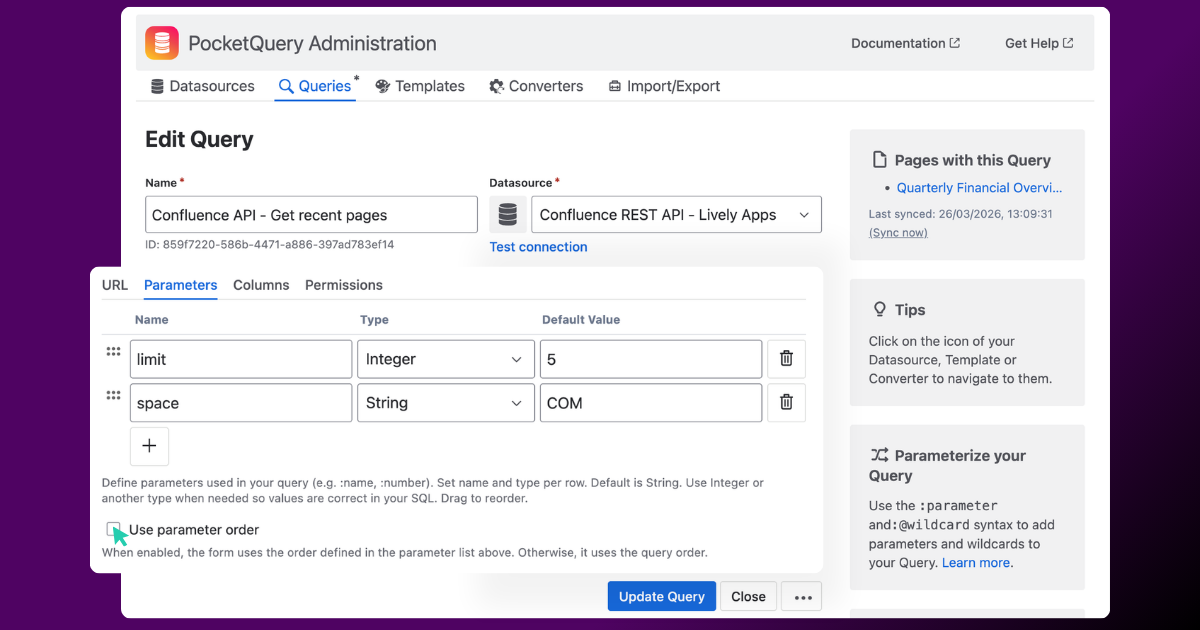
- Parameter ordering - define the order parameters appear on the page, so the most important inputs come first.
- Default values - Define defaults per parameter so when a value is left empty, the query still runs with that default. In macro configuration, defaults can appear as placeholders so readers still type their own values when needed.
Together, they make shared queries easier to configure and nicer to use.
These options work alongside Editable Parameters and your existing query setup: you still choose which parameters exist; now you also tune order and behavior.
Why it matters
Authors can shape forms to match how the team actually works, not how the query happened to be written the first time.
Readers see familiar order, fewer required fields than necessary, and data as soon as the page loads when defaults are set.
One theme, one story - both features answer the same question: how should this parameter behave on the page?
Release overview :
- Release Notes: Parameter ordering and context for this ship.
- Release Notes: Default parameter values in PocketQuery
- Product help: PocketQuery documentation - how to configure queries and parameters in Cloud.
Try it
Available in PocketQuery for Confluence Cloud. Open your query, go to the parameters section in settings, and set order and defaults where your version supports them.
👉 Try PocketQuery for free
Questions? Reach out - we are happy to help. 👍