Hi there,
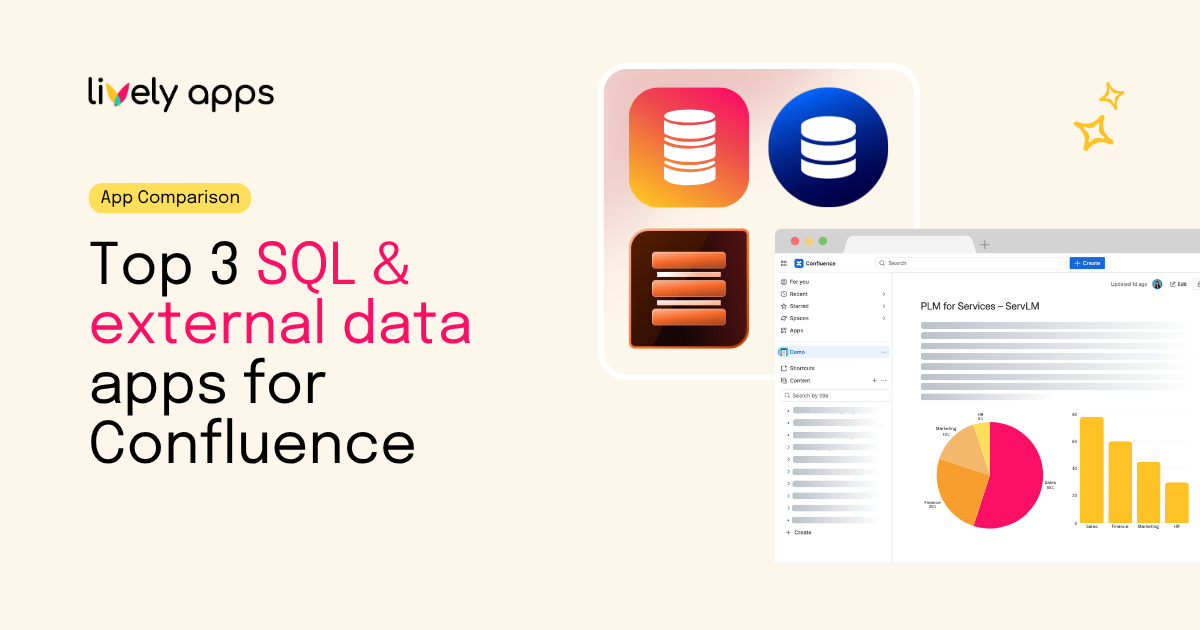
If your team needs live SQL data on a Confluence page, three apps come up over and over when evaluating your options: PocketQuery by Lively Apps, SQL for Confluence (Pro Edition) by Appfire, and External Data for Confluence by codefortynine. We put them through a detailed comparison so you don't have to.
If you've ever tried to show live data in Confluence...
Atlassian Confluence Cloud is great for unstructured content. It's not built for pulling data out of a SQL database and showing the result on a page. Teams that want runbooks, KPI overviews, on-call dashboards, customer 360 pages or release reports backed by real numbers always end up on the Atlassian Marketplace.
This article compares the three Marketplace apps that come up most often: PocketQuery by Lively Apps, SQL for Confluence (Pro Edition) by Appfire, and External Data for Confluence by codefortynine. For each app we cover the vendor, Marketplace install count, supported databases (including big-data warehouses), visualisation and templating, result conversion, the permission model across three levels (admin, space, user), and the actual pricing from the Marketplace pricing calculator.
The three apps, named and verified
Every row was checked directly against the Atlassian Marketplace listing.
*Install counts are the figures shown on each listing at the time of writing. They include free trials, so read them as order of magnitude rather than exact customer counts.
Big Data
A SQL reader is only useful if it can reach the systems where your data actually lives. For many teams in 2026 that means a warehouse or lakehouse: Snowflake, Google BigQuery, Amazon Redshift, Databricks, and increasingly column-store engines like ClickHouse. Traditional enterprises also still keep critical data in SAP HANA and IBM Db2. The table below maps every big-data target named on each app's Marketplace listing or vendor documentation.
PocketQuery and External Data for Confluence both support Snowflake natively. PocketQuery also names BigQuery as a native SQL datasource. Appfire's SQL for Confluence Pro lists only Microsoft SQL Server, PostgreSQL and MySQL - which rules it out for warehouse-first teams in 2026.
PocketQuery is the only app that names SAP HANA, IBM Db2 and IBM Db2 for i, which matters if your data lives in mainframe-adjacent or SAP-anchored systems.
On SaaS sources (Salesforce, SharePoint, HubSpot, Airtable), External Data for Confluence ships explicit named connectors. PocketQuery reaches the same surface through its generic REST Datasource (Basic Auth, OAuth 2.0, custom headers) - slightly more setup, but the same REST-reachable universe.
Diagram engine, templating, and result conversion
A built-in diagram engine, a templating layer, and a result converter decide whether a SQL reader stays at "rows on a page" or becomes a real reporting layer inside Confluence.
Both PocketQuery and External Data for Confluence ship a sandboxed JavaScript engine for transforming query results. PocketQuery layers column-level formatting (dates, numbers, currency) on top of that, and supports Velocity, HTML and JavaScript in its template layer. External Data for Confluence pairs its JavaScript converter with a custom HTML Template feature. Appfire's SQL for Confluence Pro stops at tables - no chart engine, no templating, no result converter.
Permission model: admin, spaces, users
A SQL reader on a Confluence page is also a permissions surface. Three layers matter: who configures the connection (admin), where the macro is allowed to be used (space), and who can author, run, or just view the results (user).
PocketQuery splits the world cleanly: admins own Datasources and credentials, Editors write Queries against those Datasources, and each Query can be scoped to specific Confluence spaces. Since the PocketQuery Admin role is its own user group, separate from the Confluence site-admin group, your data team can manage SQL governance without having to handle site-level admin rights. Appfire layers user permission settings on top of admin-defined profiles. External Data for Confluence keeps configuration at the admin level and leans on Confluence's native page and space permissions for everything user-facing.
Pricing in comparison
These numbers come straight from the Atlassian Marketplace pricing calculator on each app's listing, for Cloud. Each cell shows monthly / annual in USD. Atlassian's annual price is exactly 10× the monthly rate, so paying annually is effectively two months free on any of these apps.
PocketQuery offers the lowest cost among the three options for every paid tier. At 100 users it is about 57% of the price of External Data for Confluence and roughly 29% of SQL for Confluence Pro. At 1,000 users PocketQuery is about 71% of External Data for Confluence and about 42% of SQL for Confluence Pro.
The three apps in detail
1. PocketQuery - SQL & REST for Confluence
Lively Apps: The app treats "where the data lives" as an entity called a Datasource - either a JDBC database or a REST API. The Marketplace listing names MySQL, PostgreSQL, MariaDB, MSSQL, Oracle, IBM DB2, IBM DB2 for i, SAP HANA, IBM Informix, Google BigQuery and Snowflake as supported SQL datasources, plus REST APIs with Basic Auth, OAuth 2.0 and custom headers. Query results render as tables, charts via a native Chart API, or templated dashboards built with Velocity, HTML and JavaScript. Result transformation runs inside a sandboxed JavaScript engine.
2. SQL for Confluence (Pro Edition)
Appfire: Formerly a Bob Swift app. The Marketplace listing names Microsoft SQL Server, PostgreSQL and MySQL, with AWS IAM authentication for AWS-hosted databases. Admins define profiles; users pick one in the macro editor and can preview SQL safely before publishing. Output is a dynamic table with sorting, filtering, row highlighting and pagination.
3. External Data for Confluence
codefortynine: The app's strength is source breadth: REST APIs with pagination, Salesforce, SharePoint, HubSpot, Oracle, IBM Db2, MSSQL, MySQL, PostgreSQL and Snowflake. It ships native bar, line and pie charts, a custom HTML template feature, and an explicit Convert data with JavaScript step.
Full comparison table
What each app does well, and what holds it back
PocketQuery (Lively Apps)
What it does well. PocketQuery combines SQL and REST APIs in one app. It's the only option here with native support for both BigQuery and Snowflake, and the only one that names SAP HANA and IBM Db2 / Db2 for i. The Chart API, the Velocity / HTML / JavaScript template layer and the sandboxed JavaScript converter turn it from rows on a page into a light reporting tool inside Confluence. Running on Atlassian Forge keeps data inside Confluence, making security review faster. Admins own Datasources and credentials; Editors can author Queries against those Datasources; each Query can be restricted to specific Confluence spaces. The PocketQuery Admin role group is independent of the Confluence site-admin group, so your data team can own SQL governance without inheriting site-level admin rights. And on price, PocketQuery is the cheapest of the three at every paid tier, whether you bill monthly or annually.
What holds it back. The admin-controlled Datasource model supports governance but creates friction for analysts who want to write quick queries directly on a page. Teams that only need plain SQL against a single Postgres or MySQL may feel that the Datasource + Query model is more structure than they need.
SQL for Confluence (Pro Edition) (Appfire)
What it does well. The most institutionally mature option in the category. Long Marketplace history, Platinum Cloud Fortified trust signals, and an enterprise procurement process that's easy to navigate. The macro editor lets authors preview SQL safely before publishing. AWS IAM authentication is a nice touch for teams running their databases on AWS. The app fits neatly alongside the rest of Appfire's Confluence portfolio: Advanced Tables, Cache for Confluence, and so on.
What holds it back. No BigQuery, no Snowflake - which rules it out for warehouse-first teams in 2026. SQL only, with no REST and no SaaS connectors, so anything coming from Salesforce or HubSpot needs a second tool. No built-in chart engine, no templating, no result converter. Caching isn't a first-class feature either; Appfire effectively sells a second app, Cache for Confluence, to fill that gap, which is a real cost-of-ownership consideration. At every paid tier, this is the most expensive of the three.
External Data for Confluence (codefortynine)
What it does well. A broad set of source types named on the Marketplace listing: REST APIs with pagination, Salesforce, SharePoint, HubSpot, Oracle, IBM Db2, MSSQL, MySQL, PostgreSQL and Snowflake. Snowflake is a native SQL datasource. The app ships a chart engine, a custom HTML template feature and a JavaScript-based converter, so you can shape output before it hits the page. codefortynine is an Atlassian Platinum Marketplace Partner, Cloud Fortified, with a strong installed base across their portfolio.
What holds it back. Native warehouse coverage is narrower than PocketQuery's: BigQuery has to be reached through the REST API rather than a native driver, and Redshift, Databricks, ClickHouse, SAP HANA, MongoDB and IBM Db2 for i aren't listed as first-class targets. Pricing sits between PocketQuery (best price-to-feature ratio) and Appfire (most expensive) at every paid tier.
Evaluate each app yourself
The comparison table above has everything you need to match an app to your stack - and since all three offer a free tier for up to 10 users on the Atlassian Marketplace plus a 30-day trial at every higher tier, the fastest way to decide is to install each one against the data source you actually need to read and see how the macro behaves end-to-end.
Sources
- PocketQuery, Atlassian Marketplace
- SQL for Confluence (Pro Edition), Atlassian Marketplace
- External Data for Confluence, Atlassian Marketplace
- 2025 app pricing: SQL for Confluence (Pro Edition), Appfire
- codefortynine, License Size and Pricing
- PocketQuery for Atlassian Confluence Cloud, Datasources documentation
- PocketQuery for Atlassian Confluence Cloud, Queries documentation