Hi there,
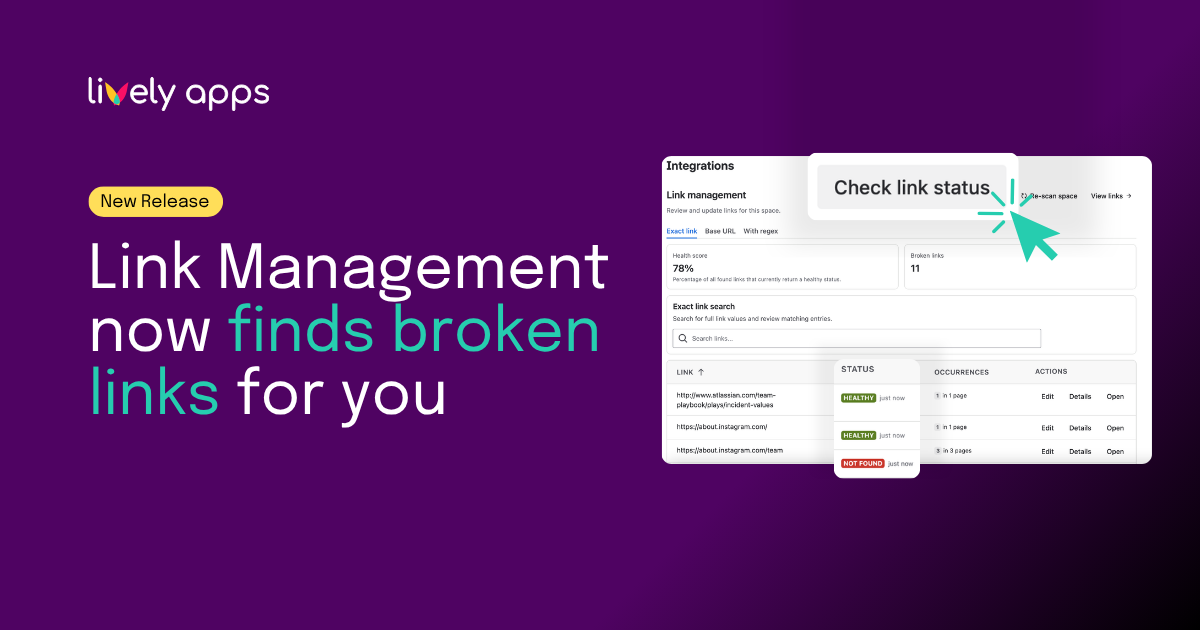
Ever clicked a link in documentation and landed on a 404 page? With Link Management, you can find broken links before your readers do.
Keep your Confluence documentation clean and trustworthy. Link Management now spots broken links for you, so your readers always land where they expect.
This release adds broken link detection (advanced). Here's what changed.
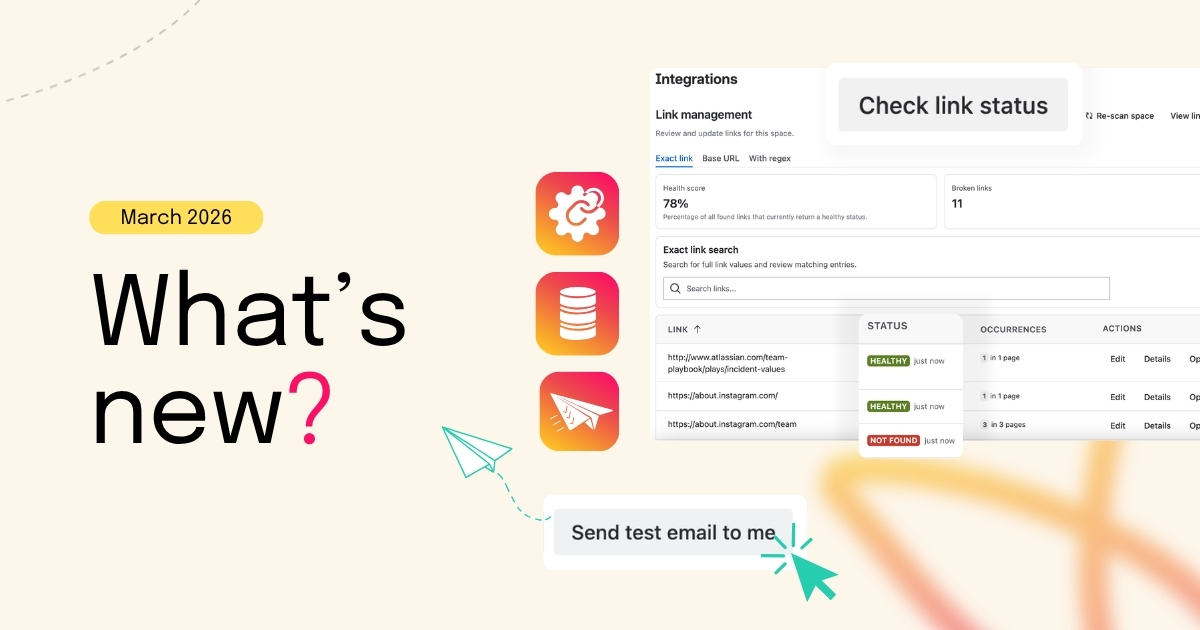
Broken link detection
Link Management can now check your Confluence links and show you which ones need attention. Both external links (to websites outside Confluence) and internal links (to other Confluence pages) are verified automatically. Status is visible directly in the space settings view.
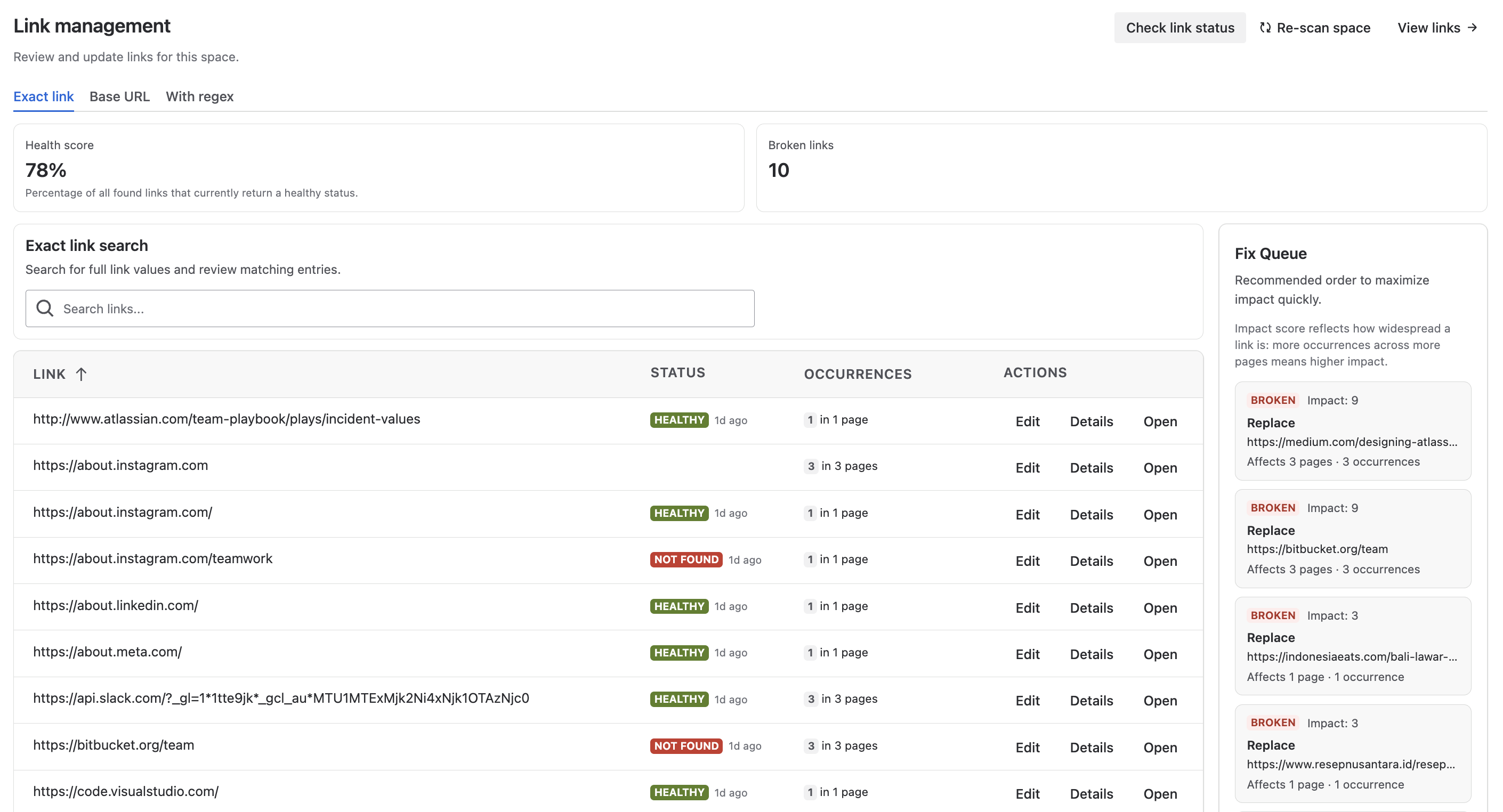
Benefits:
- Fix before readers notice - Spot and resolve broken links before anyone hits a dead end
- Keep content up to date - Working links mean your documentation stays current and trustworthy
- Better Rovo results - Maintained content helps Rovo surface more relevant answers when your team searches or asks questions
- Smooth Cloud migration - With Atlassian's end of life Data Center, many teams are moving to Confluence Cloud. During migration, internal page URLs change, old references point to content that no longer exists, and links that worked in Data Center often break in Cloud. Manually checking thousands of links across spaces is unrealistic. Broken link detection scans your migrated spaces automatically, surfaces what needs fixing in one place, and helps you go live with documentation that actually works. Land on Cloud with confidence.
The feature s available as advanced feature. If your organization is on the Standard edition, you will see a message in the space settings explaining how to upgrade.
Where to go from here
- Learn more: See the Link Management documentation for screenshots and step-by-step guidance.
- Try Link Management: Install the app from the Atlassian Marketplace.
- Questions? Reach out to our team – we're happy to help.
Broken link detection is available in Link Management for Confluence Cloud now. Give it a try and let us know what you think. 👍
Best,
Alice from Lively Apps

.png)