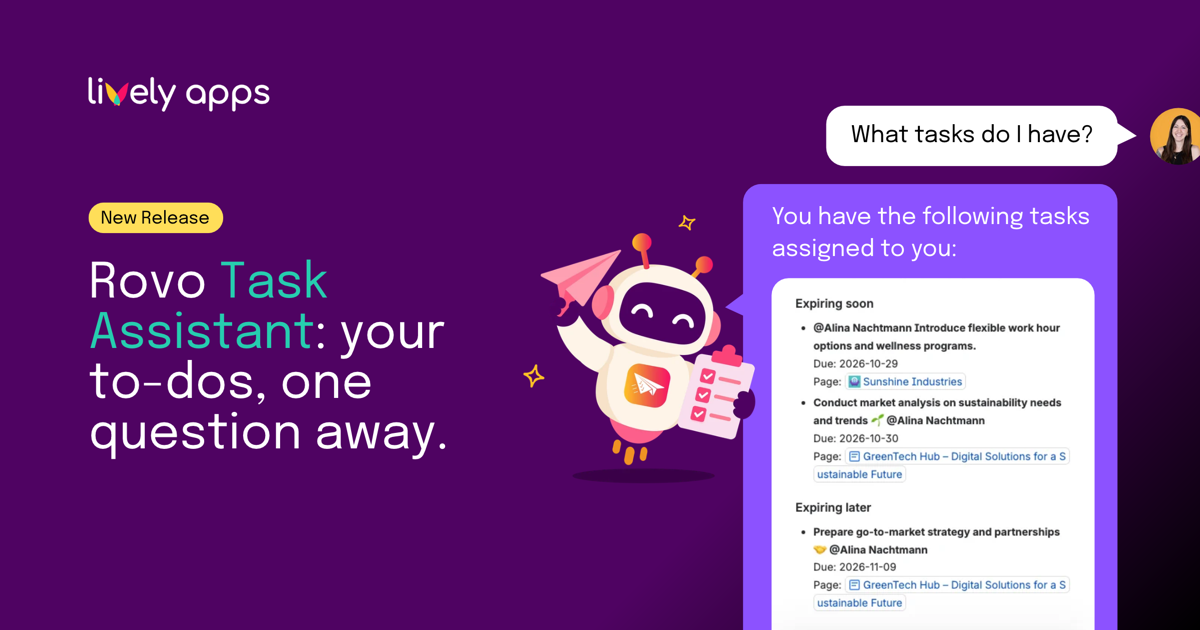
Confluence tasks are easy to create and just as easy to lose track of. They sit in meeting notes, project plans and checklists across dozens of spaces, and the one with tomorrow's due date is rarely on the page you happen to have open.
Task Reminder has always taken care of this with scheduled email and Slack reminders that collect all your open tasks in one place. But sometimes you do not want to wait for Monday's reminder. You want to know right now what is on your plate. That is what the Task Assistant is for: a new Rovo agent in Task Reminder that shows you your Confluence tasks whenever you ask and lets you mark them as done without leaving the chat.
Your tasks, whenever you ask
Open Rovo chat, choose the Task Assistant and ask something like "What tasks do I have?". You get the Confluence tasks assigned to you across all spaces, sorted the way you know from your reminders: expired, expiring soon, expiring later and without a due date. Each task comes with its text, its due date and a link to the page it lives on, so you can jump straight to the context when you need it.
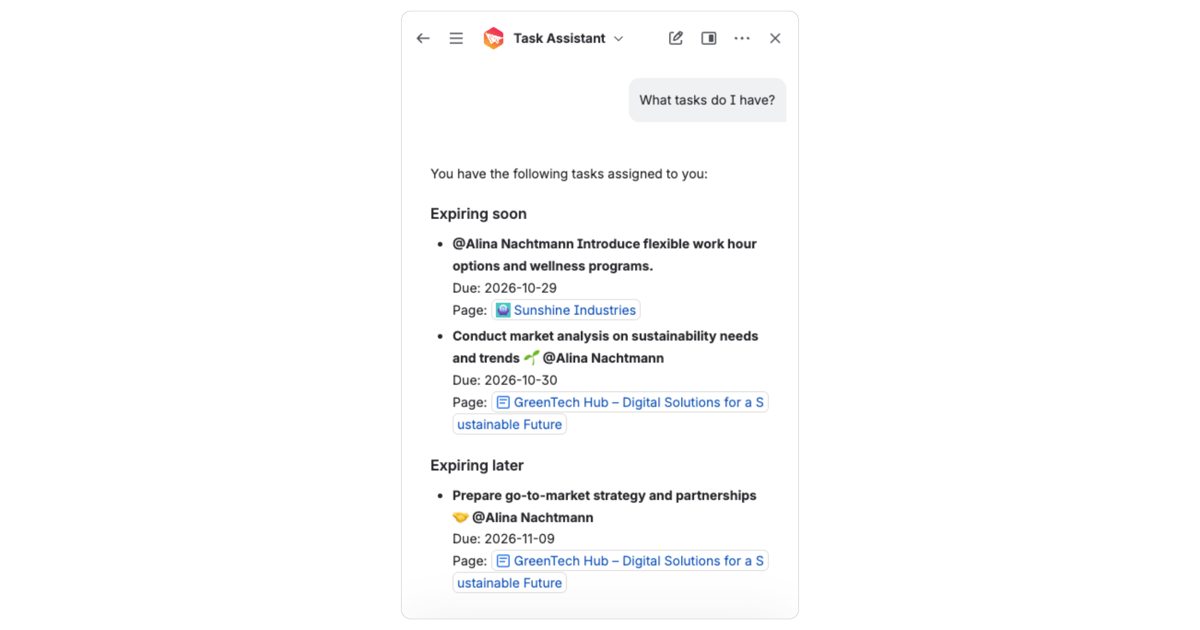
Your reminder settings decide what lands in your inbox on schedule. The Task Assistant is not limited by them: it always shows the full picture of what is assigned to you.
Tick tasks off in chat
Done with something? Tell the Assistant which task from the list you want to mark as done. Before anything changes, Rovo shows you the task text and asks you to confirm, so you always know exactly which checkbox gets ticked. Nothing happens until you say yes.
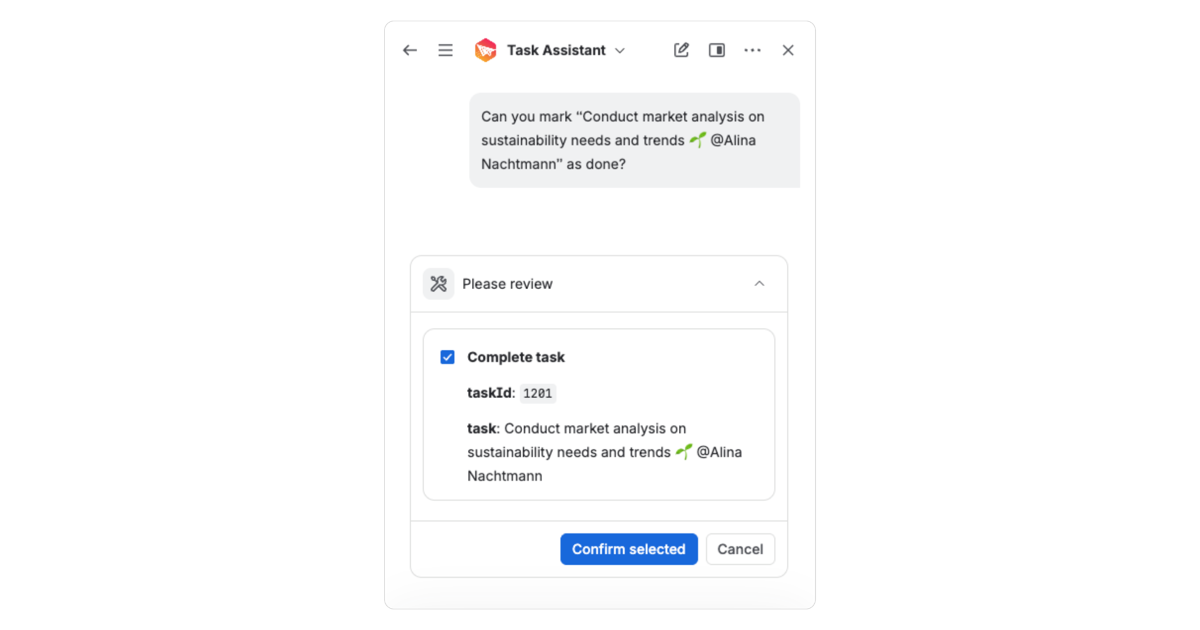
That makes the Task Assistant a quick way to clean up your list at the end of the day, after a meeting or right before your next reminder goes out.
Safe by design
The Task Assistant follows the rules your Confluence already has. Everyone sees only their own tasks, and Confluence page permissions decide whether a task can be marked as done. The Assistant does not create tasks, reassign them or change due dates. It shows you what is open and helps you tick it off, nothing more.
Who is this for?
Already using Task Reminder? Your scheduled reminders stay exactly as they are. The Task Assistant adds a second way in: instead of waiting for the next email or Slack message, just ask Rovo.
New to Task Reminder? Task Reminder sends your team scheduled email and Slack reminders about their open Confluence tasks, so nothing slips through the cracks. With the Task Assistant, your tasks are also just one question away in Rovo.
Get started
Task Reminder for Confluence Cloud is on the Atlassian Marketplace. Install it, open Rovo chat and ask the Task Assistant what is waiting for you.
- 🤖 Documentation: Task Assistant
- 📄 Product documentation: Task Reminder for Confluence Cloud
- 🗓️ Release notes: Task Reminder 3.12.0
- 🛒 Try Task Reminder on the Atlassian Marketplace
Questions or feedback? Reach us via Lively Apps Support.