September was a big month at Lively Apps. Diary finally made it to Confluence Cloud, and Page Branching got a new Rovo agent that helps you rework important pages safely. Here is everything in one place.
Diary comes to Confluence Cloud
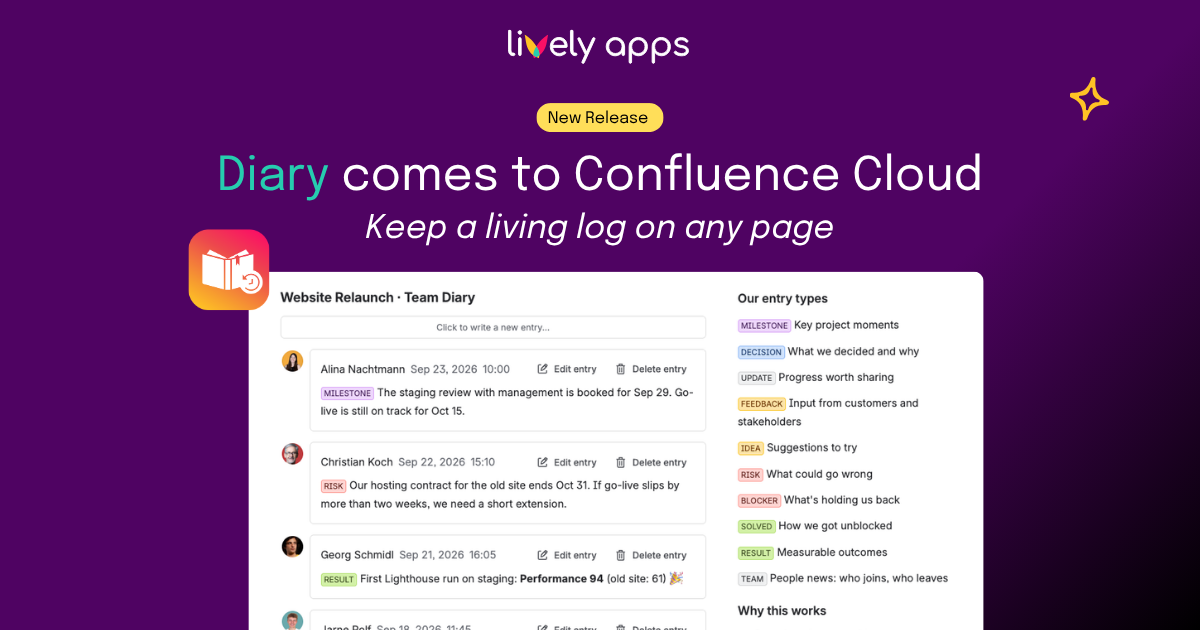
For years, teams have asked us to bring Diary to Confluence Cloud. Today we can finally say: it is here. 🎉
Diary for Confluence Cloud lets you keep a living log on any page. You add timestamped entries, edit them, and delete them right in view mode - without ever opening the page editor.
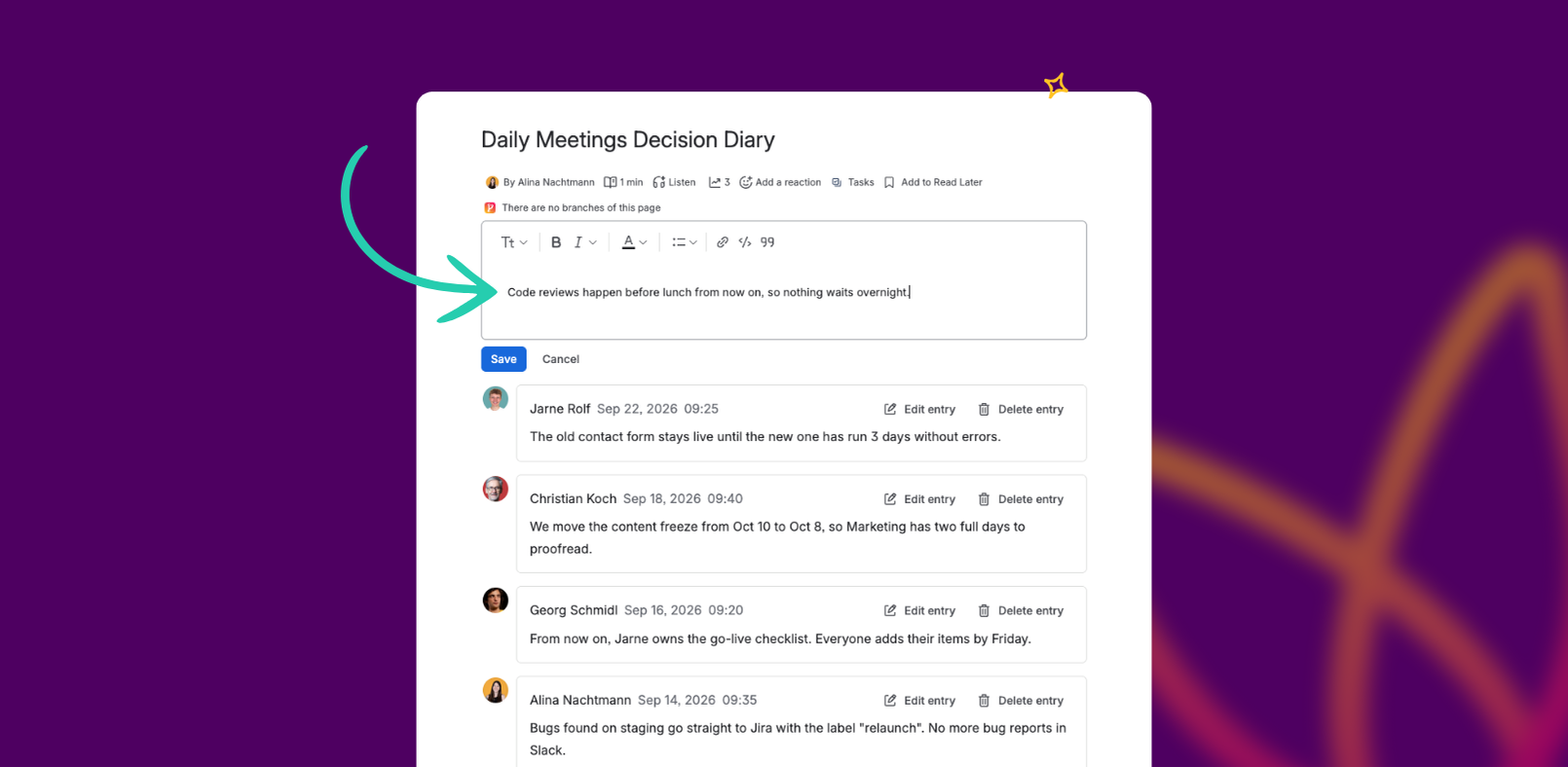
Picture your weekly team sync: one Diary on the meeting page, and everyone adds notes and decisions as they happen. Week after week, the page grows into a searchable history - no more digging through old meeting pages. The same works for incident logs, project updates, or changelogs.
- 📖 Blog post: Diary comes to Confluence Cloud
- 📄 Getting started with Diary Cloud
- 🛒 Diary on the Atlassian Marketplace
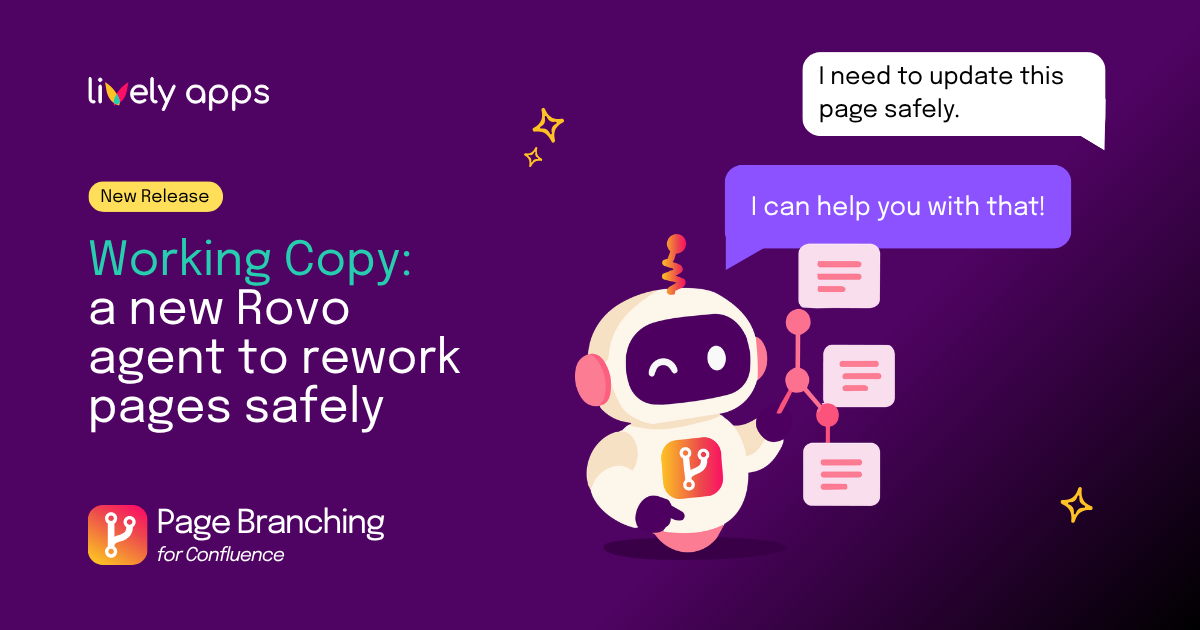
Working Copy: rework important pages without touching the live page
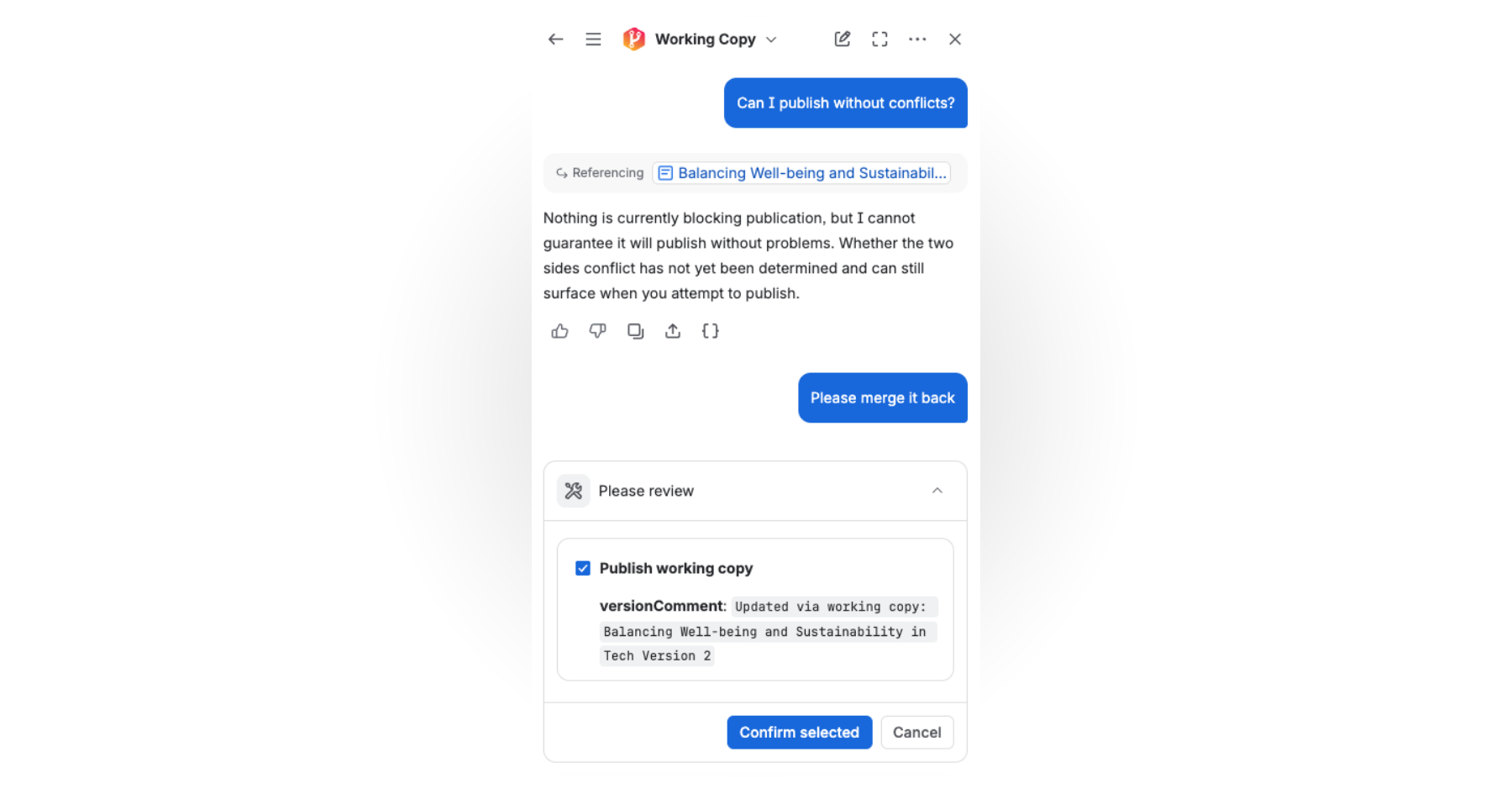
Policies, runbooks, and specs keep changing, but people rely on them every day. Page Branching has long given you a safe copy of a page to work on. Now Working Copy, a new Rovo agent, gets you there with a single sentence: open Rovo chat, choose Working Copy, and tell it you want to work on the page.
You make your changes in the Confluence editor - Rovo never writes page content itself. When you are done, ask Rovo to publish. It goes through the normal merge, and you confirm before anything reaches the live page. Already using Page Branching? Your workflow stays the same - Working Copy is simply a quicker way in.
- 📖 Blog post: Working Copy: a new Rovo agent to rework pages without touching the live page
- 📄 Page Branching for Confluence Cloud documentation
- 🛒 Page Branching on the Atlassian Marketplace
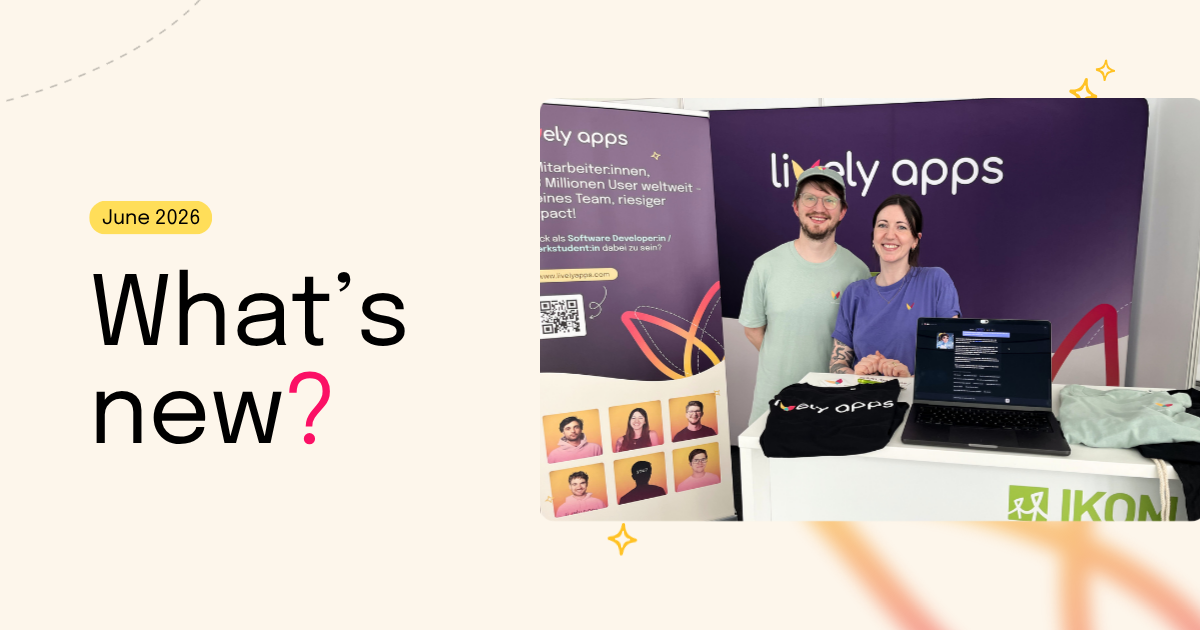
We'll be at Team’26!
The Lively Apps team is heading to Team’26. Come find us at Booth 207 to talk Diary, PocketQuery, and everything else on our roadmap. Want dedicated time? You can book a 1:1 meeting with us during the event.