July brought two things worth your time: Page Branching is now available for Confluence Cloud - and we published a practical comparison of the top apps for finding and fixing broken links in Confluence. If you have been waiting to branch pages on Cloud, migrating from Data Center, or wrestling with stale links, this one is for you.
Page Branching is here for Confluence Cloud
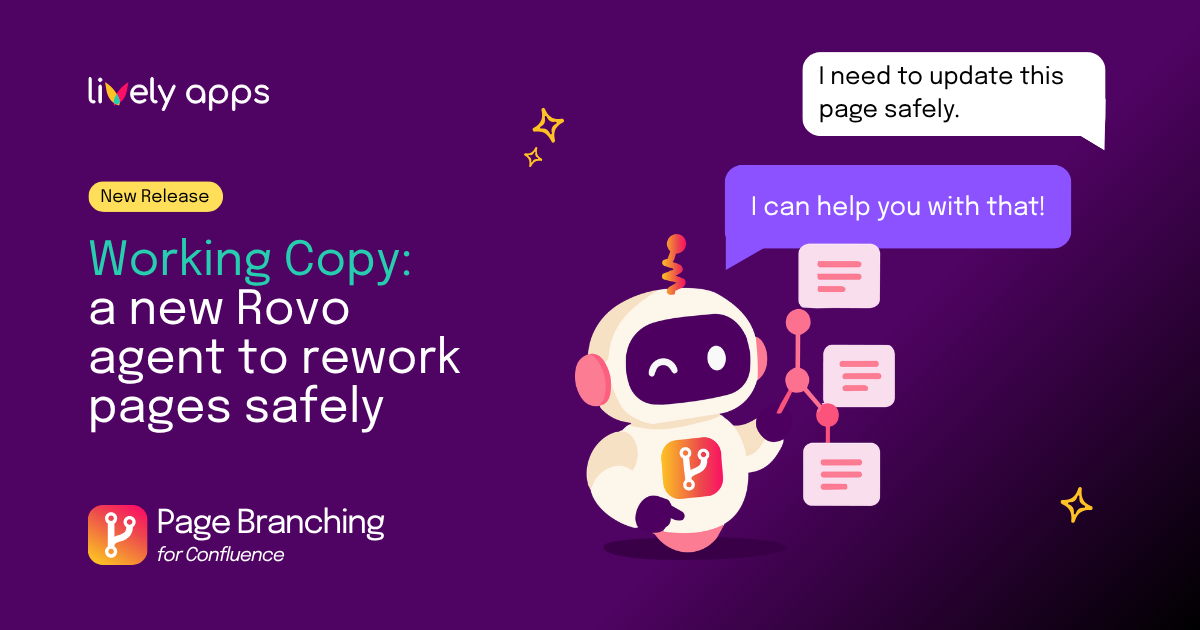
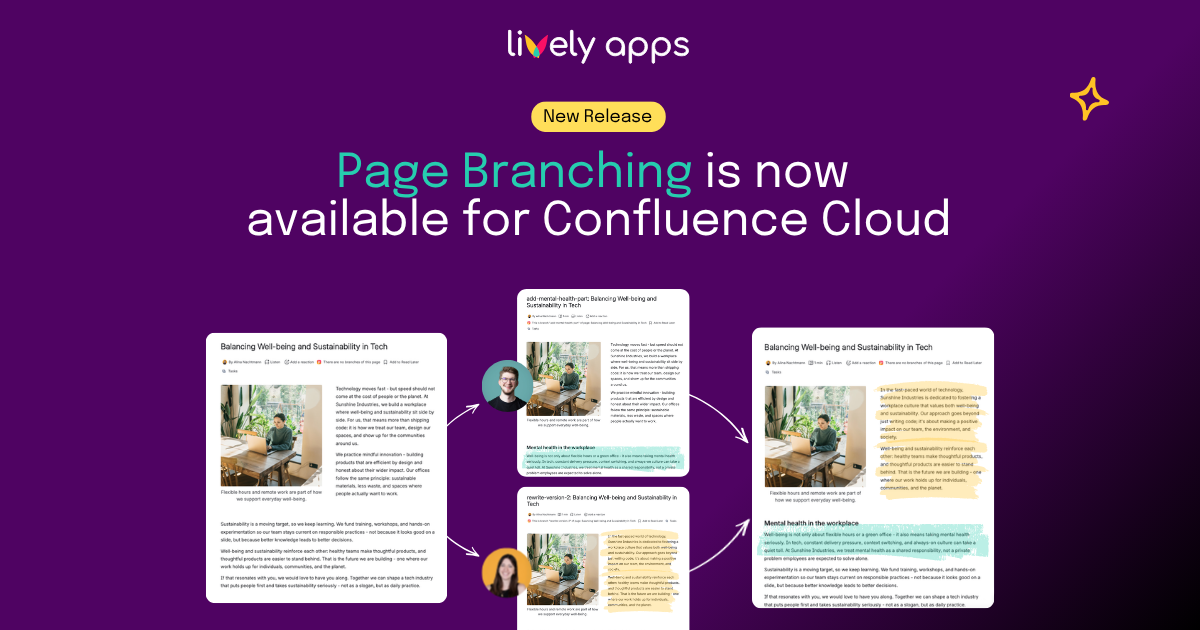
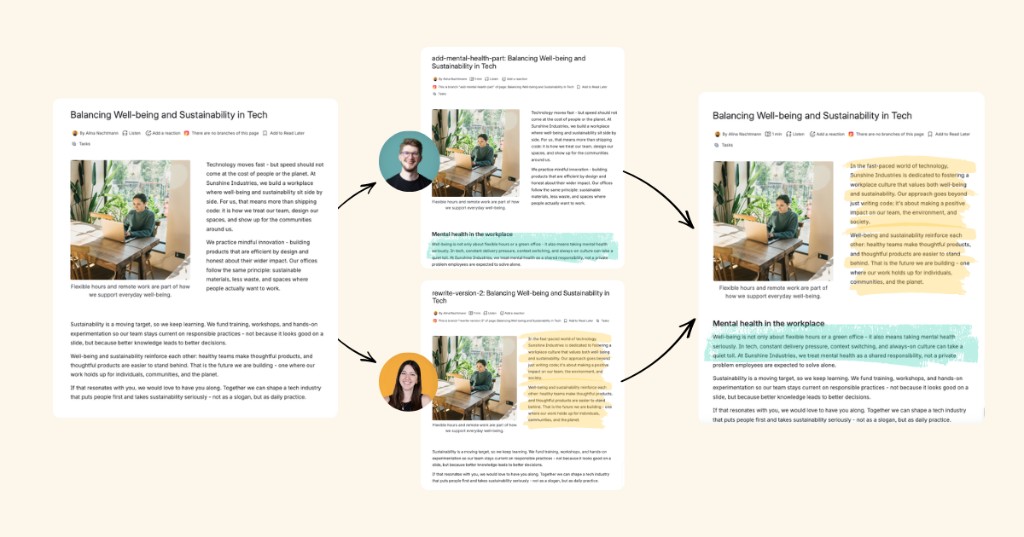
Page Branching lets you create an independent copy of any Confluence page, edit it without touching the live version, compare your changes in a visual diff, and merge back when you are ready. Merge conflicts are surfaced clearly, and a branch overview keeps every draft easy to find.
🤖 Governed AI editing - the pull request for AI in Confluence
More teams are experimenting with AI writing in Confluence - but few want agents publishing straight to live pages. Page Branching offers a safer model: AI drafts on branches, humans review the diff, and only a merge publishes the result.
Draft with AI. Review with confidence. Merge on your terms.
It is a brand-new Cloud app - and if you used Page Branching on Data Center, the workflow will feel familiar: branch, review, merge, done.
👉 Read the full story on our blog →
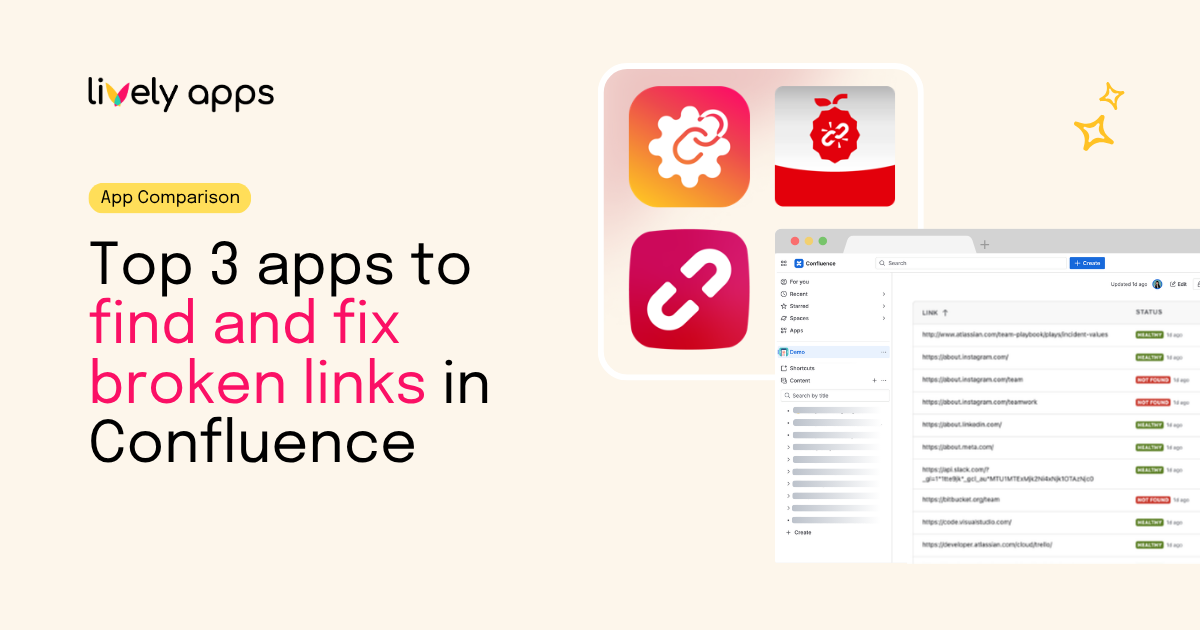
Top 3 apps to find and fix broken links in Confluence
Confluence still doesn't ship a built-in link checker - so we compared the three apps that come up again and again: Link Management (ours), Broken Links+, and Easy Link Checker. Features, pricing at 50 users, and a clear take on which app fits which team.