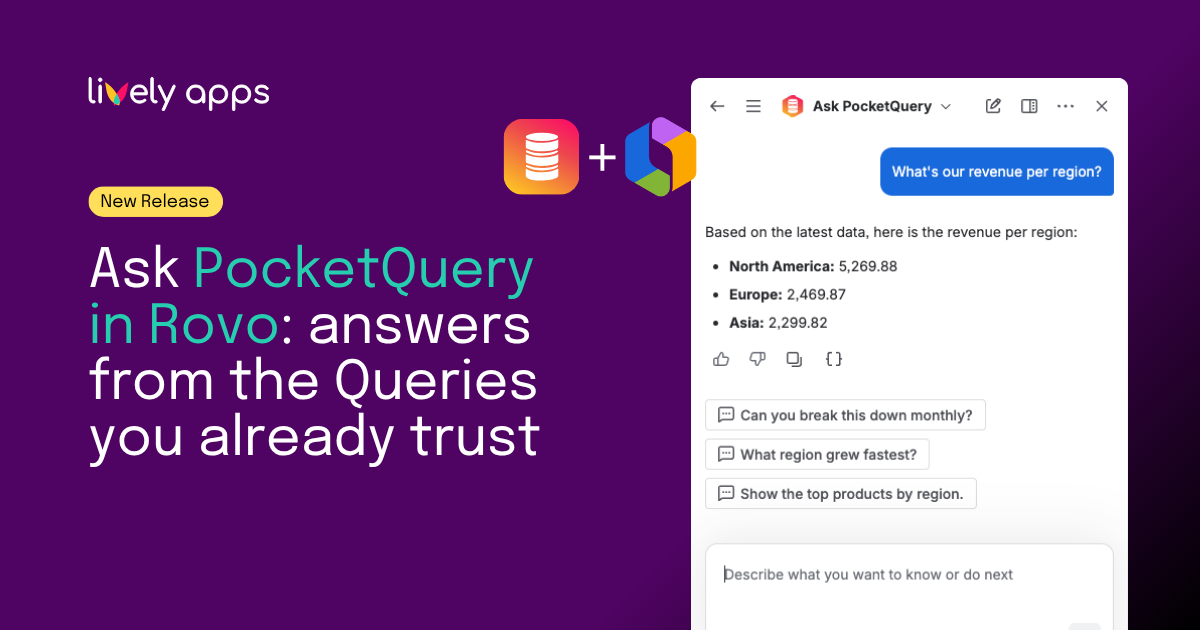
Rovo makes it easy to ask questions in natural language and get answers inside Confluence. That is powerful and it raises a fair question: where does the answer actually come from? For business data, "the AI looked it up" is rarely good enough. You need to know which data was used, who approved it, and that nothing is poking around in your database on its own.
That is the idea behind the new Ask PocketQuery Rovo Agent: bring your trusted business data into Rovo, using the queries you have already built and governed in PocketQuery. Not a chatbot that generates SQL. Not a shortcut straight to your database. Your data. Your queries. Answered in Rovo.
Answers from queries you already trust
If your team uses PocketQuery, you already curate how Confluence talks to SQL databases and REST APIs. Datasources and Queries are reviewed, parameterised, and scoped to use cases you define. Macros on Confluence pages have worked this way for years.
The new Rovo agent extends that same model into Rovo chat. Someone asks a business question: "How many open tickets do we have per product?" or "Which regions grew fastest last quarter?" and the agent finds a matching Query in PocketQuery, runs it, and returns the result.
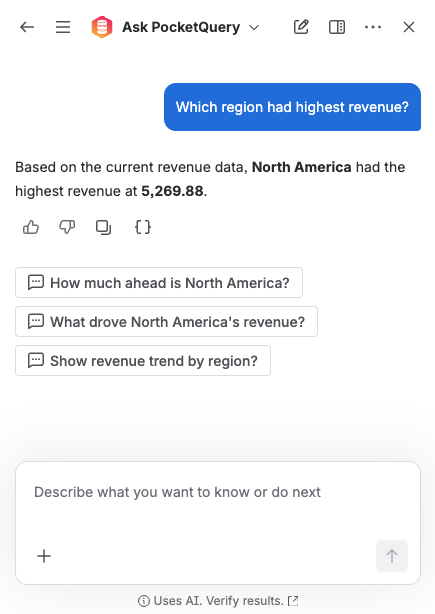
The agent does not write SQL, invent new queries, change anything in PocketQuery, or talk to your database at all. It talks to PocketQuery - and only runs the queries your admins have already written, tested, and approved. Think of it as bringing your governed business data into Rovo, not teaching an AI to talk directly to your database.
You choose what Rovo may answer
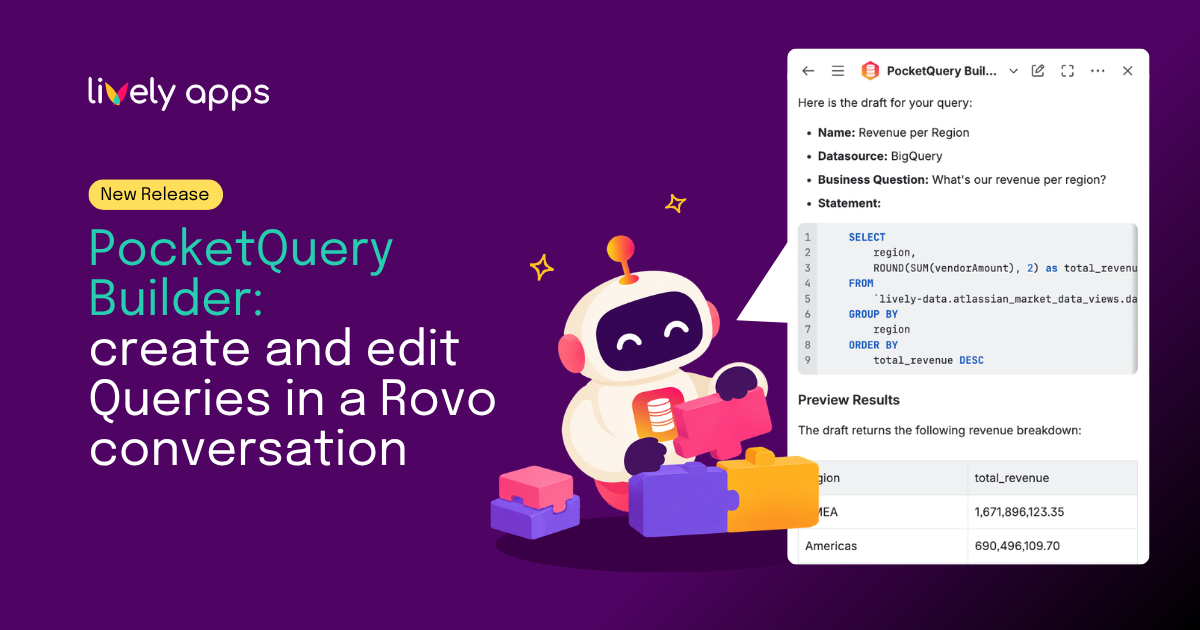
Control stays with you. Only queries that have a Business Question set are offered to the agent - the plain-language question the Query is meant to answer. No business question, no entry in Rovo. That keeps the agent focused on queries you have explicitly prepared for this purpose.
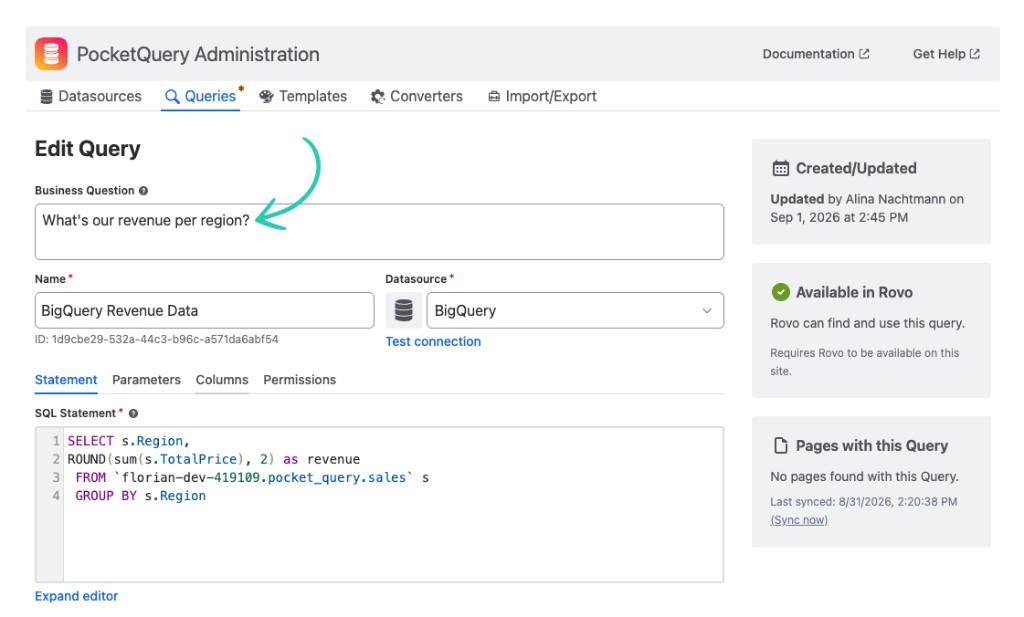
While editing a Query, the sidebar shows whether it is already Available in Rovo or Not available in Rovo, together with every reason that applies: a missing business question, space restrictions, context placeholders Rovo cannot supply in chat, or a missing datasource. You see the picture before anyone asks.
Queries that rely on page context still work in the PocketQuery macro on Confluence pages as they always have. Chat answers follow a narrower set of rules - by design.
How it works for your team
Using the agent feels like a normal Rovo conversation. Open Rovo chat, select Ask PocketQuery, and ask in your own words, including in other languages if that fits your team. You can start with What business questions can PocketQuery answer? to see what is configured, or jump straight to the question you care about.
Behind the scenes, the agent matches your question to a suitable Query. If that Query needs a parameter you haven't provided - a date range, a team name, a region - it asks for it by name, and completes the answer once you reply. What comes back is your data, returned as an answer.
Why this matters
Teams want AI where they work and they want it without giving up governance. PocketQuery was built for governed access to business data in Confluence. This release connects that foundation to Rovo instead of asking Rovo to become a database client on its own.
Think of it as bringing your trusted business data into Rovo, not teaching an AI to talk directly to your database. Same datasources. Same queries. Same boundaries. A new place to ask.
Try it
Curious what your team could ask on day one? PocketQuery 14.3.0 is available for Confluence Cloud sites with Rovo enabled. Add a Business Question to a Query or two, open Rovo chat, and try it yourself.
- 📄 Product documentation: Ask PocketQuery in Rovo
- 🗓️ Release notes: PocketQuery 14.3.0
- 🛒 Try PocketQuery on the Atlassian Marketplace
Questions or feedback? Reach us via Lively Apps Support.