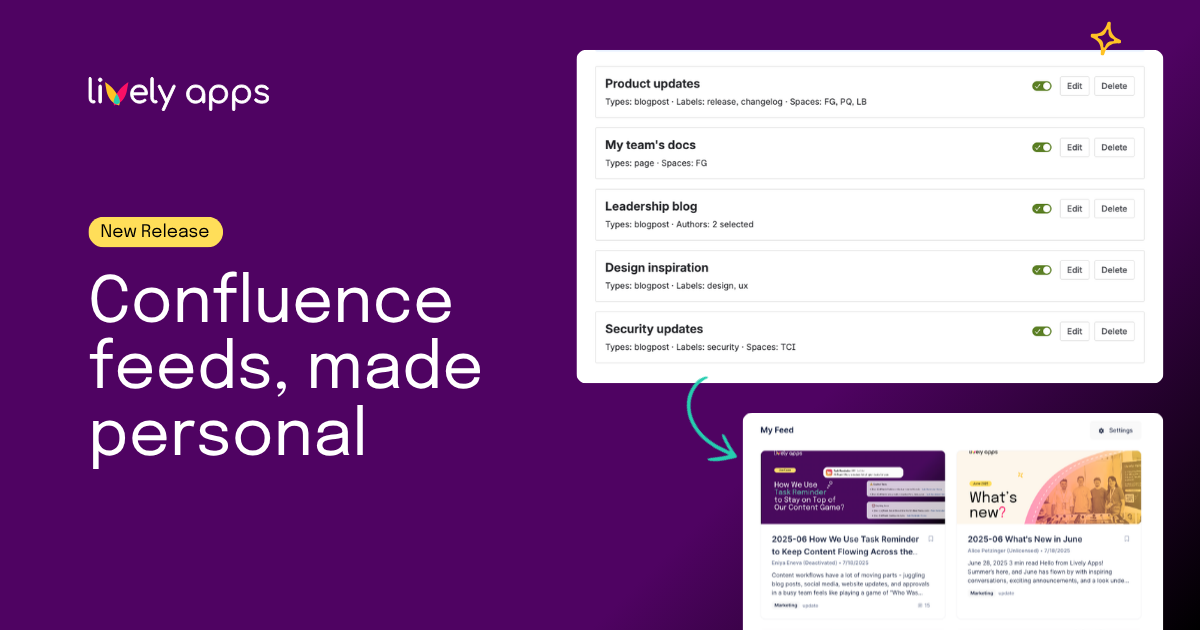
Your Confluence is full of useful content - but finding it usually means opening ten different spaces, scanning label lists, or relying on someone to forward you the right post. That works until it doesn't. Lively Blogs changes that: configure your rules once, and My Feed keeps you up to date automatically - no more browsing, no more missing things that actually matter to you.
Build your feed with subscription rules
My Feed is built around subscription rules. Each rule is a filter you create in Lively Blogs Personal Settings - you pick the spaces, labels, or authors you want to follow, choose whether to include blog posts, pages, or both, and that's it.
You can create up to 10 rules and switch them on or off at any time. Rules run together, so if you follow the engineering label in one rule and a specific author in another, both streams flow into your feed. Content has to match every condition within a single rule, which keeps things focused rather than noisy.
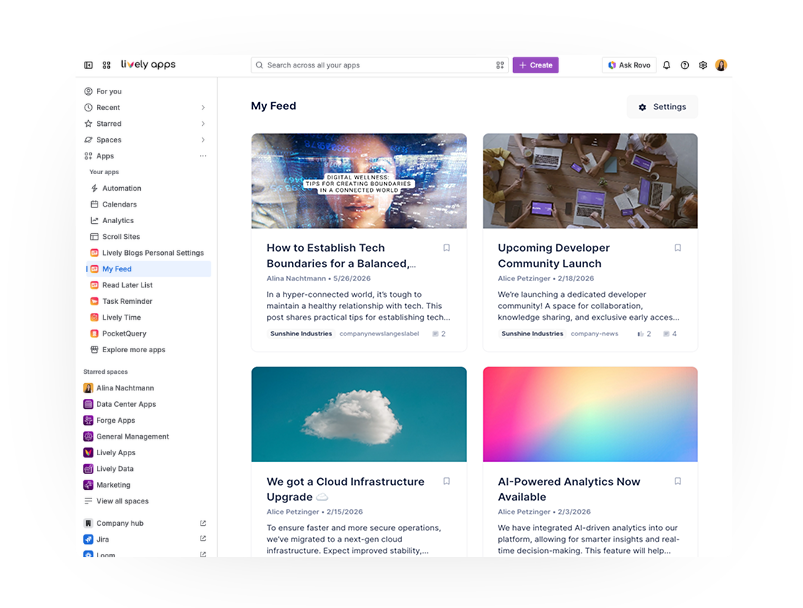
The result shows up on your dedicated My Feed page under the Apps menu - a paginated grid of everything that matches your active rules.
Switch between feeds on the homepage
If you need quicker access, you can reach My Feed right from your Confluence homepage. A dropdown lets you switch between three views without leaving your dashboard:
- Company Feed - the team-wide stream your admin has configured.
- My Feed - blog posts and pages that match your personal subscription rules.
- Read Later - content you have saved for later.
My Feed and Read Later are completely personal: what you see depends on your own rules and saved items, not on what the admin has configured for the Company Feed
Embed My Feed on any page
There is also a My Feed macro that you can add to any Confluence page. Drop it on a team hub, a project overview, or a department landing page, and every visitor sees their own personal feed in-context. The macro pulls from the same subscription rules each viewer has set - so your feed looks different from your colleague's, even on the same page.
Get started
My Feed is available now in Lively Blogs 7.1.0. Open Apps → Lively Blogs Personal Settings to create your first subscription rule, then head to Apps → My Feed to see your personal stream.
Full details are in the product documentation.


.png)