.png)
You're in a meeting when a colleague mentions an interesting post in your Confluence feed - but now is not the time to read it. You scroll past, and by the afternoon it is gone from view. Read Later solves exactly this.
Why Read Later exists
Lively Blogs already surfaces the right stories across your homepage feed and embedded macros. Read Later gives readers a simple way to save content they spot at the wrong moment and come back to it when they have time and focus - no more losing track of posts that matter.
What changes in the daily flow
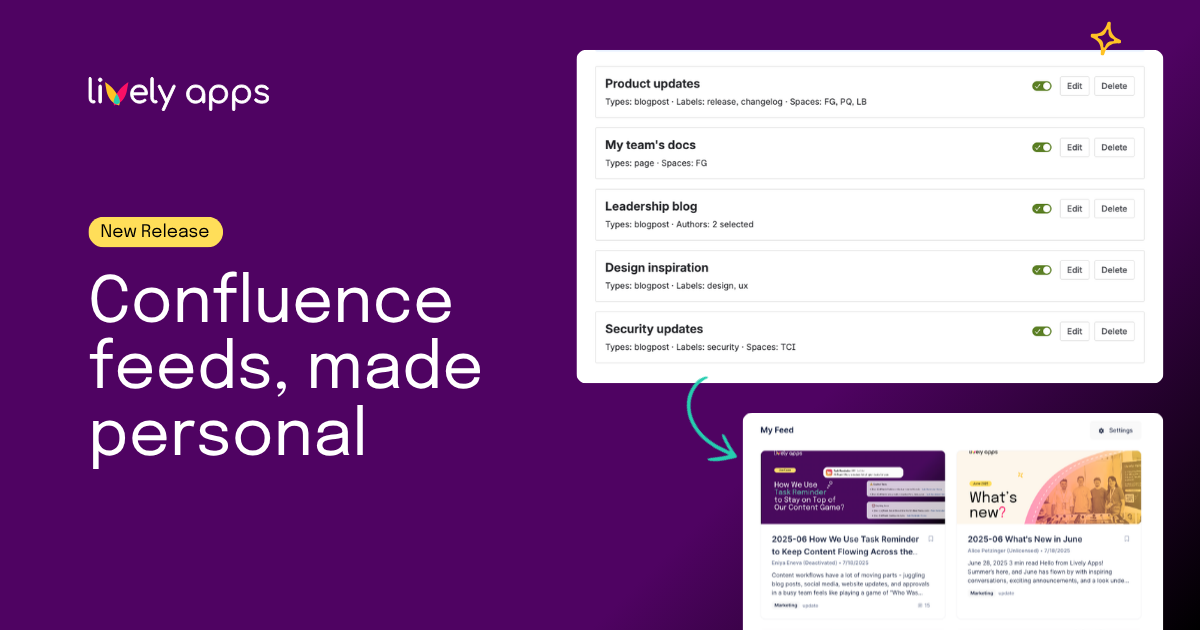
On any Confluence blog post or page, a Read Later button appears directly under the title. Saving the page takes one click and never interrupts what you were doing. Inside feeds, each card carries a bookmark icon, so you can save articles without leaving the feed.
.png)
When you are ready to read, open Apps → Read Later List. Everything you saved appears in a paginated grid, which keeps large lists manageable for teams that publish often.
Where to learn more
👉 Product documentation walks through each surface with screenshots.
👉 If you are new to the app, start with the Getting Started guide.
Try it now
Read Later is available today for all Lively Blogs Cloud 7.0.0 users. Install Lively Blogs from the Atlassian Marketplace and start building your personal reading list.