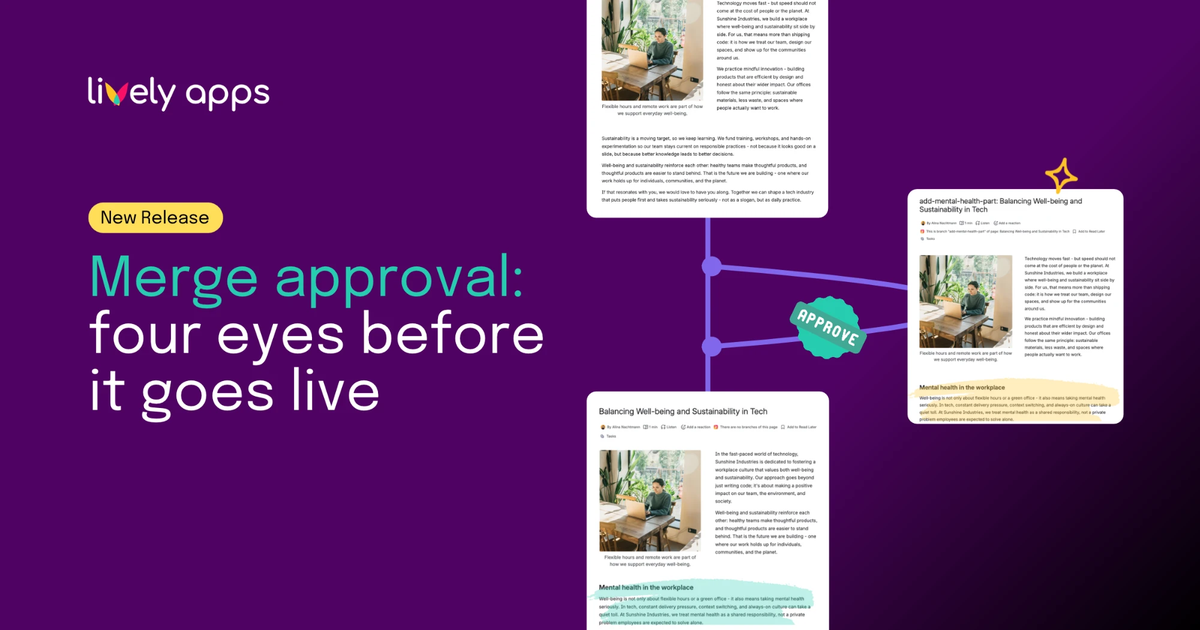
Some Confluence pages carry more weight than others. A security policy, an SOP, the process your support team follows every day: when they change, someone should have looked at the change first. In practice, that review often happens in a chat message, an email thread or not at all - and a typo, an outdated step or a half-finished paragraph lands on a page that everyone relies on.
With merge approval, Page Branching makes the review part of the workflow. Changes are drafted in a branch as before, but they only reach the live page once a colleague has looked at them and said yes.
A second pair of eyes, built in
No more chasing reviewers or wondering whether anyone actually checked. When a draft is ready, the author asks for a review, and the reviewer sees exactly what changed compared to the live page. They approve it or send it back with a comment, and only an approved change can be published.
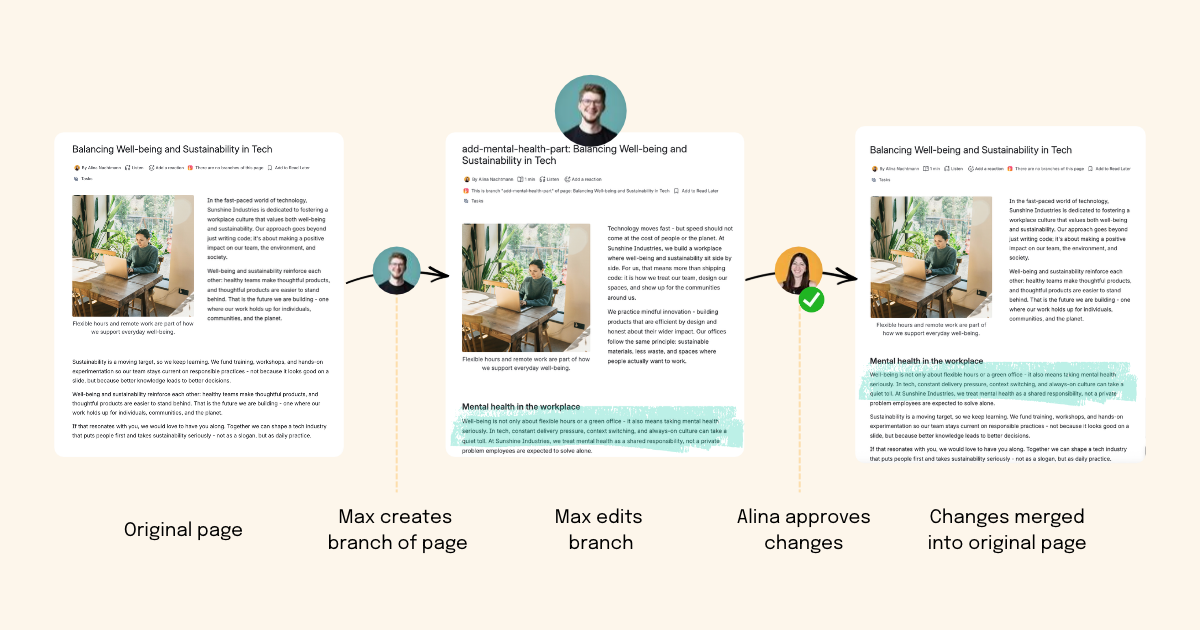
If you work with code, this will feel familiar: branch, review, approve, merge is the same flow you know from pull requests on GitHub or Bitbucket - now for your Confluence pages. And because everything happens right on the page, there is no separate review tool to learn.
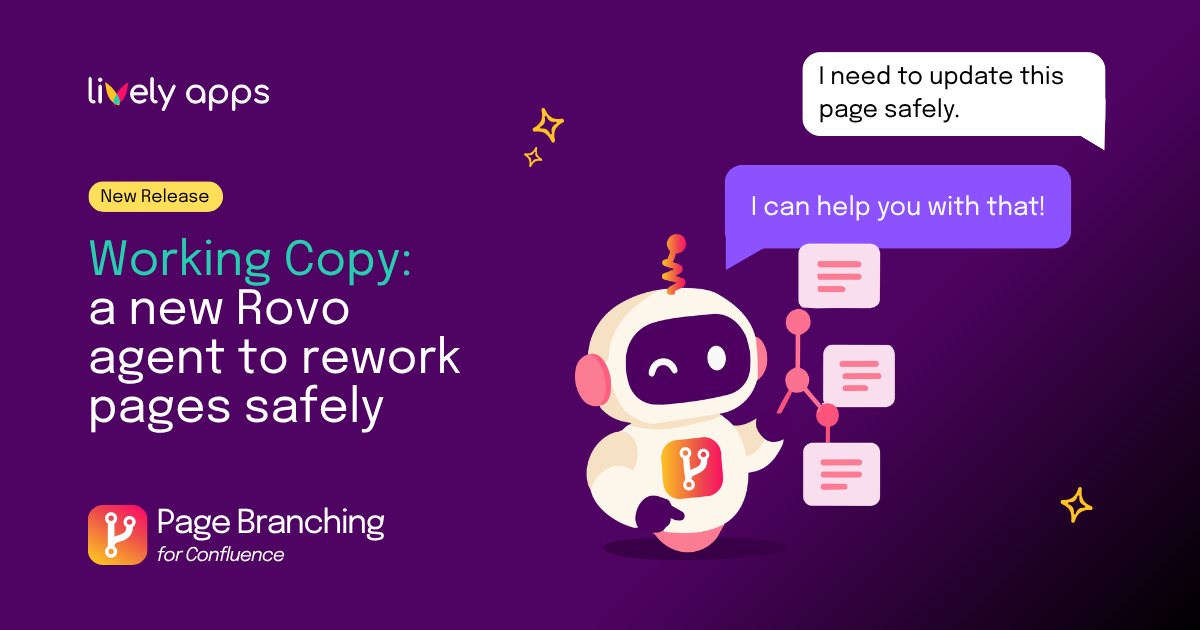
The Working Copy agent in Rovo respects merge approval too: it won't publish a working copy that hasn't been approved.
Review that fits the way your team works
Not every team reviews the same way. A small team simply wants a second person to have a look - so any colleague who didn't work on the change can approve it, with no approver list to maintain. A team with compliance requirements needs a defined group to sign off - so you can name exactly who approves. Either way, nobody approves their own work.
Less chaos on busy pages
Popular pages attract many editors. To keep the work in one place, you can limit how many drafts a page can have at the same time, and let people know when they start editing a page that already has an open draft. Fewer parallel versions, fewer surprises - and the right people find each other before they step on each other's toes.
Who is this for?
Already using Page Branching? Merge approval is optional and nothing changes until a space administrator turns it on. Start with the space where your most important pages live.
New to Page Branching? Page Branching lets you work on a copy of a Confluence page, compare it with the live version and publish your changes when they are ready. With merge approval, every one of those changes is reviewed first.
Get started
Page Branching for Confluence Cloud is on the Atlassian Marketplace. Install it, create your first branch, or turn on merge approval in the space where your most important pages live.
The product documentation walks you through the setup step by step.